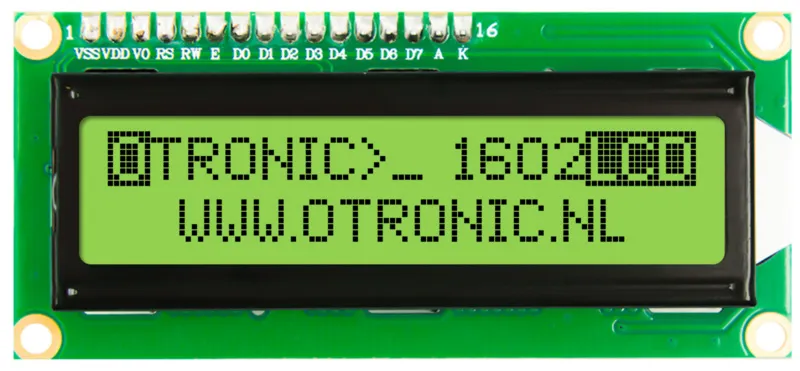
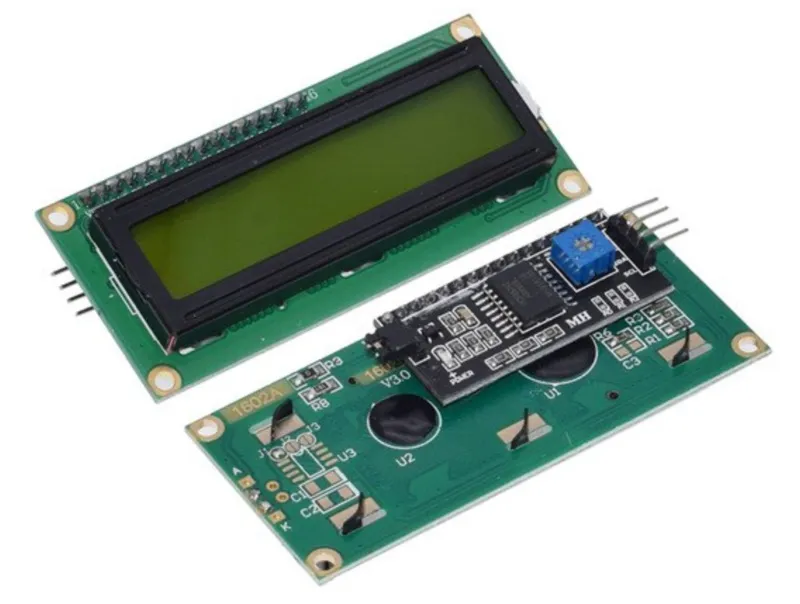
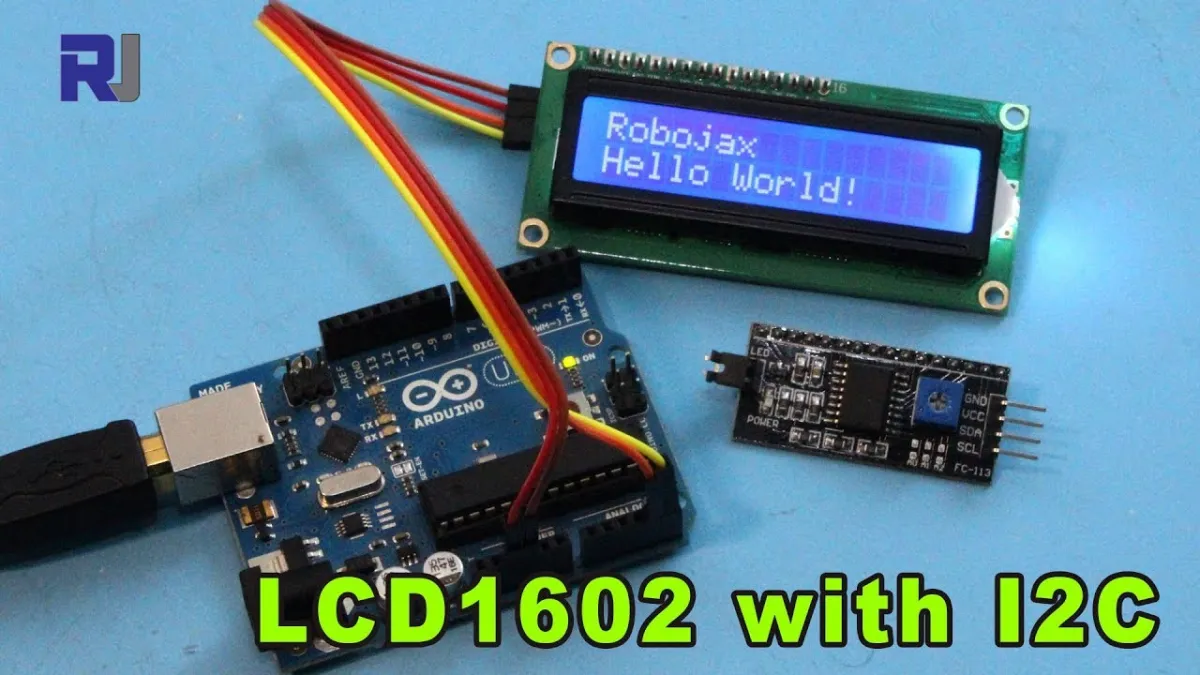
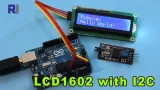
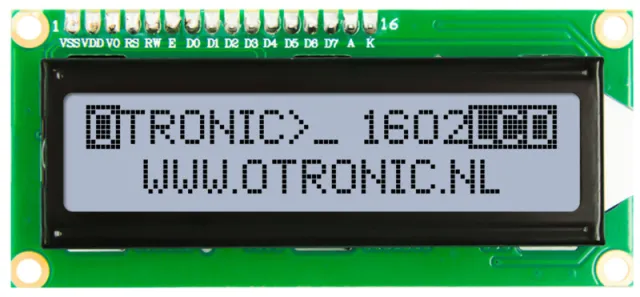
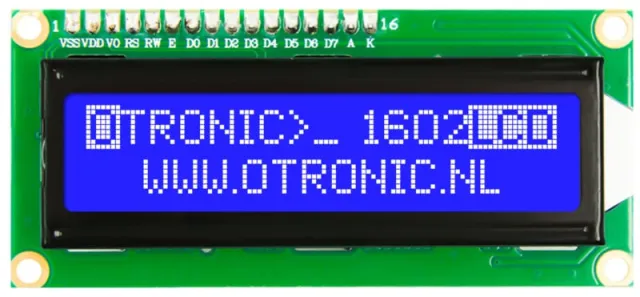
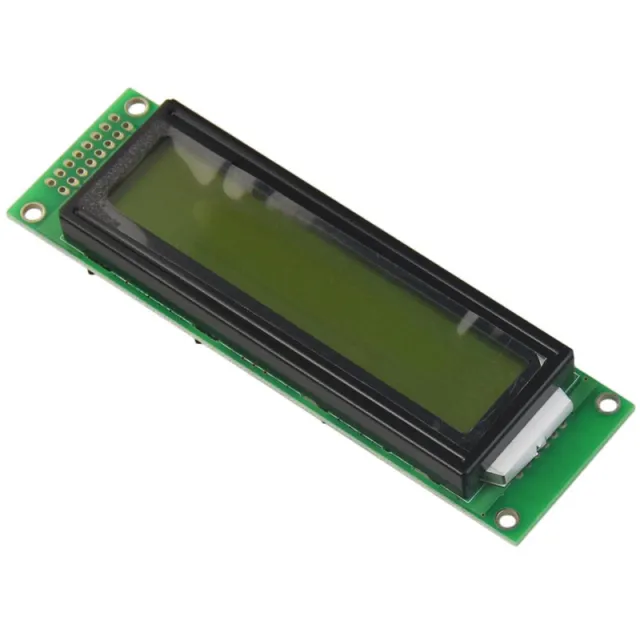
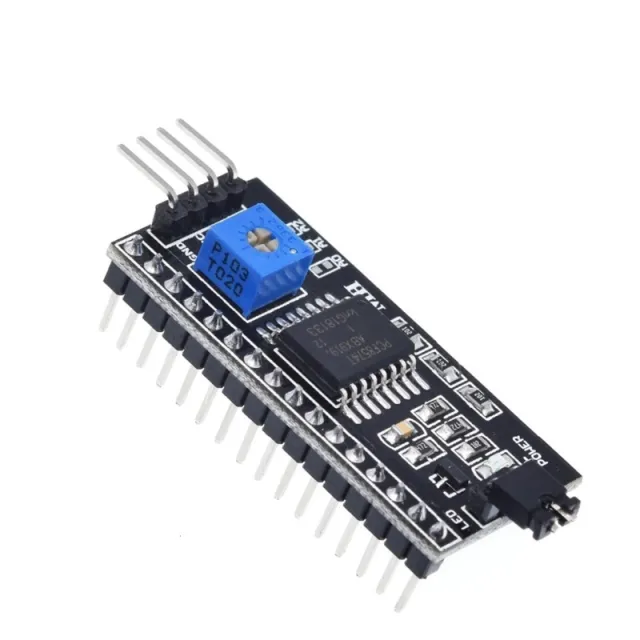
1602 LCD-display med I2C-modul til Arduino-, ESP32-, ESP8266- eller Raspberry Pi-projekter.
SKU: OT851-C35 Varenummer: XI343 EAN: 4252580702508 Placering: C03.05
Alternativ
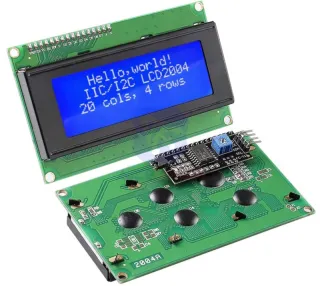
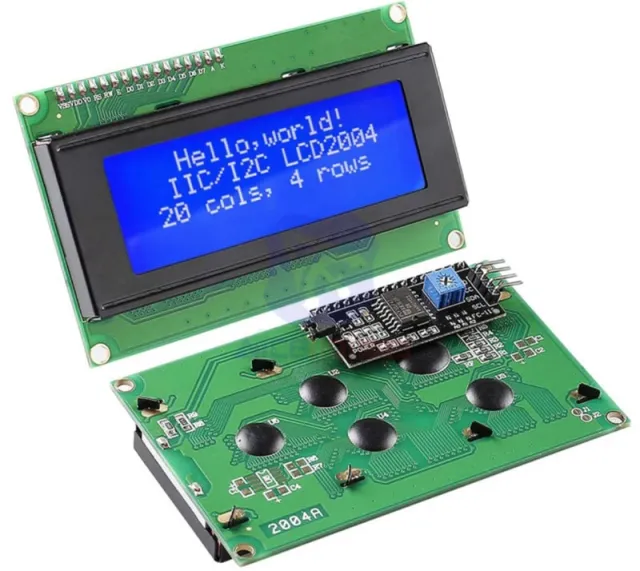
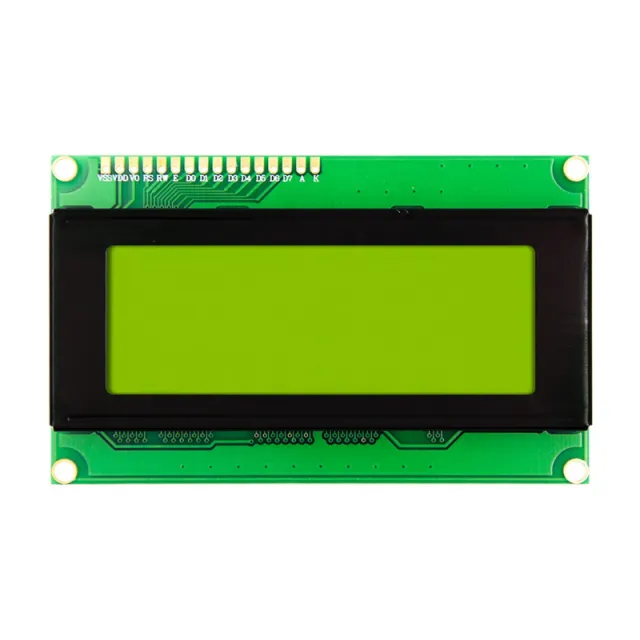
2004 LCD blå baggrundsbelysning 20x4 med I2C forloddet
49 kr.
Se dette alternativ
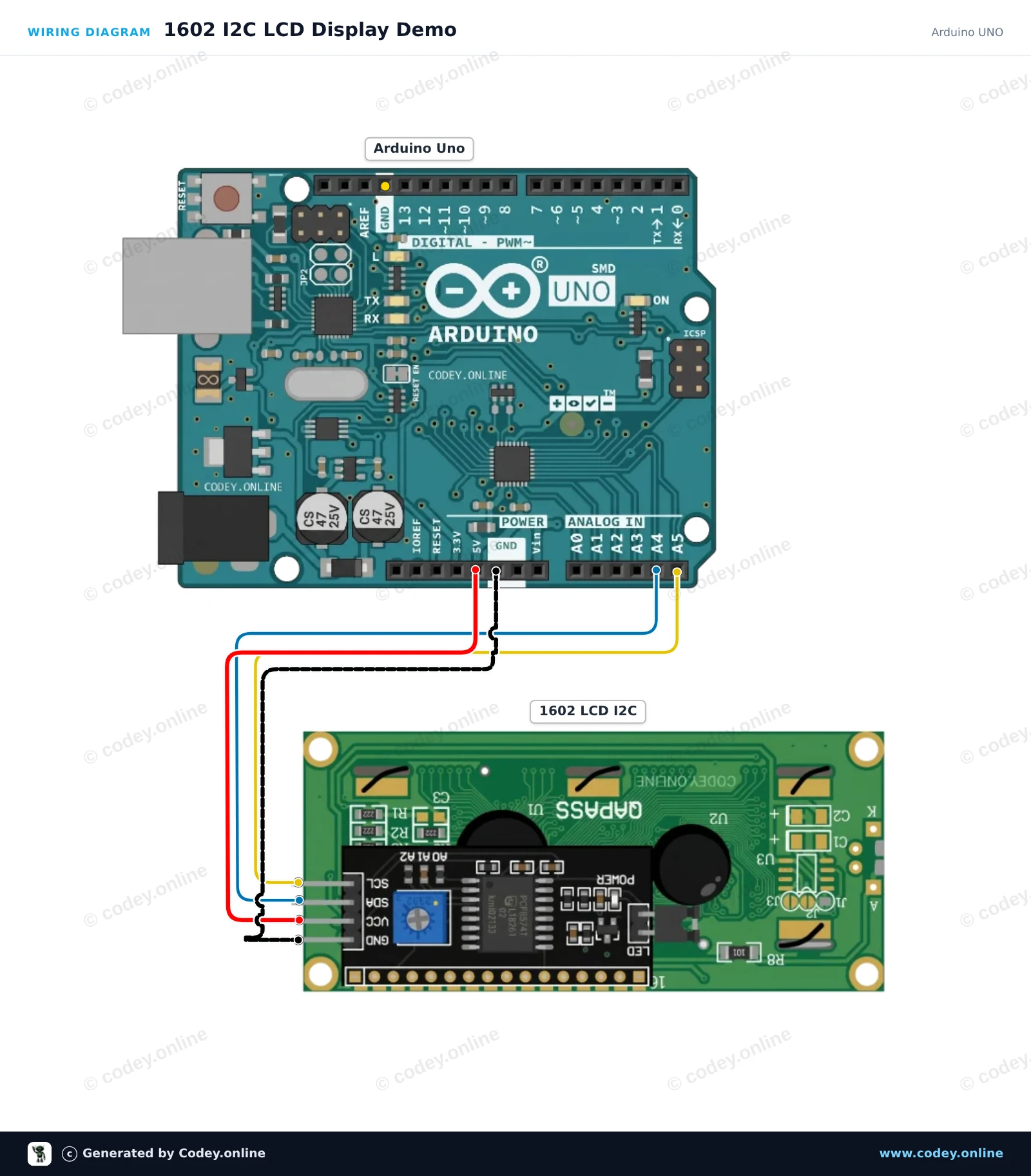
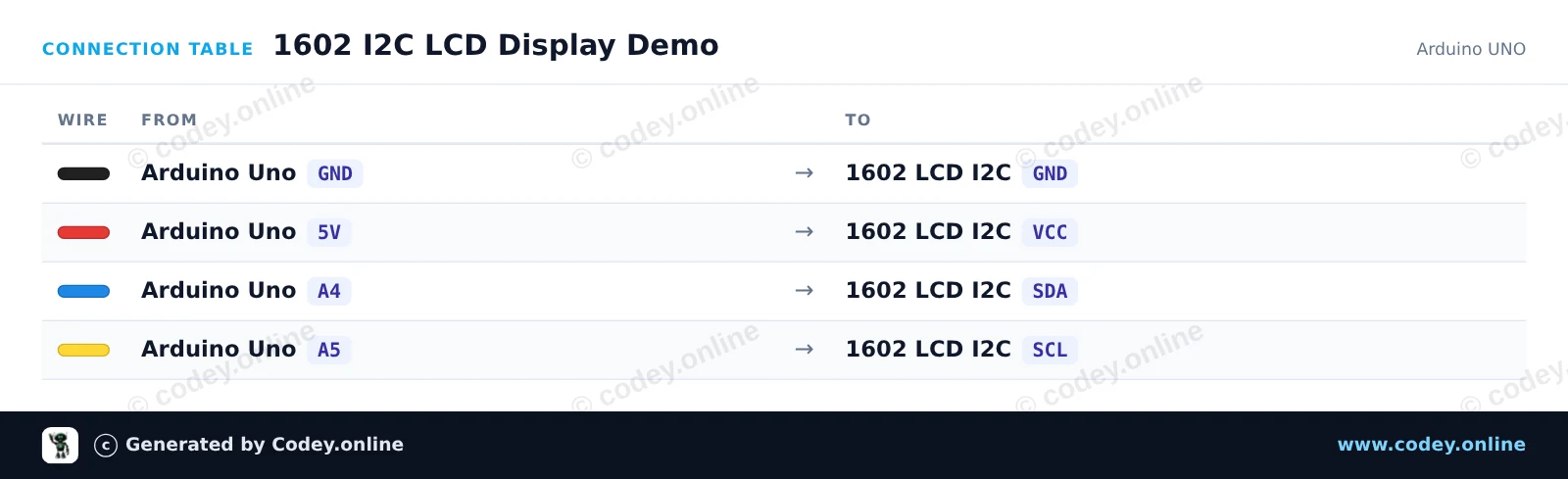
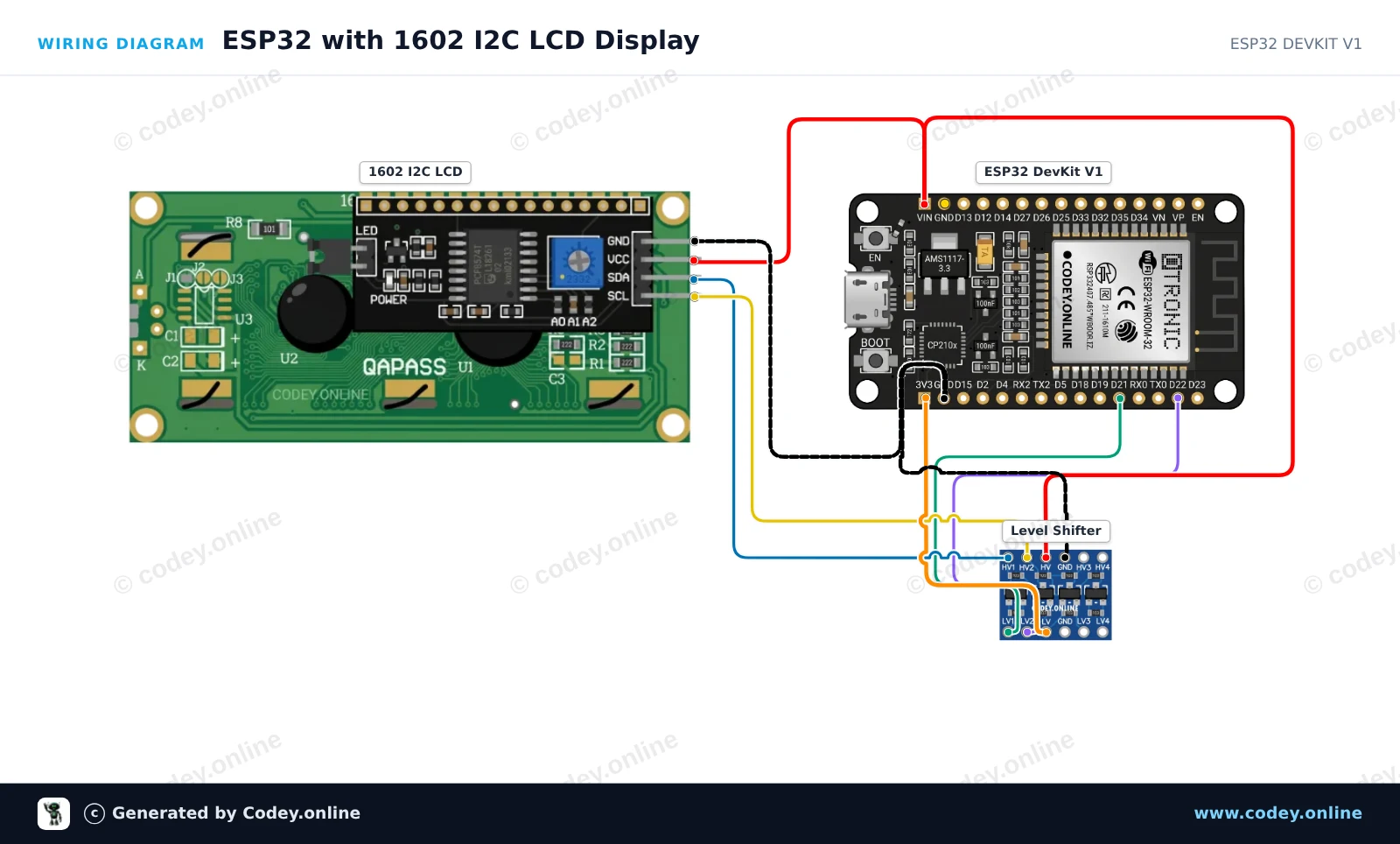
Sådan tilslutter du 1602 LCD grøn/gul baggrundsbelysning med I2C forloddet til en Arduino UNO eller ESP32, med en eksempelsketch, du kan uploade med det samme.
Dette projekt forbinder et 16x2-tegns LCD via I2C til en Arduino Uno. Displayet initialiseres, tænder baggrundsbelysningen, viser en velkomstbesked på første række og tæller oppetiden i sekunder på anden række.
/*
* ==================================================================
* Generated by Codey.online — https://www.codey.online
* ==================================================================
* Project : 1602 I2C LCD Display Demo
* Board : Arduino UNO (arduino:avr:uno)
* Parts : 1602 LCD I2C DISPLAY
* Libraries : LiquidCrystal I2C 1.1.2
*
* Codey Online is an AI-powered browser IDE for Arduino and ESP32.
* Describe your project and Codey writes the code, draws the wiring
* diagram and uploads it to your board, straight from the browser.
* This code is free to use, modify and share, without warranty.
* ==================================================================
*/
#include <Wire.h>
#include <LiquidCrystal_I2C.h>
// Common I2C addresses are 0x27 or 0x3F for 1602 LCD modules
LiquidCrystal_I2C lcd(0x27, 16, 2);
void setup() {
Serial.begin(115200);
lcd.init();
lcd.backlight();
lcd.setCursor(0, 0);
lcd.print(F("Hello, Arduino!"));
Serial.println(F("LCD initialized successfully."));
}
void loop() {
unsigned long seconds = millis() / 1000;
lcd.setCursor(0, 1);
lcd.print(F("Uptime: "));
lcd.print(seconds);
lcd.print(F("s "));
delay(500);
}
Nødvendige biblioteker: LiquidCrystal I2C 1.1.2
Wiring diagram and example code generated by Codey.online — https://www.codey.online
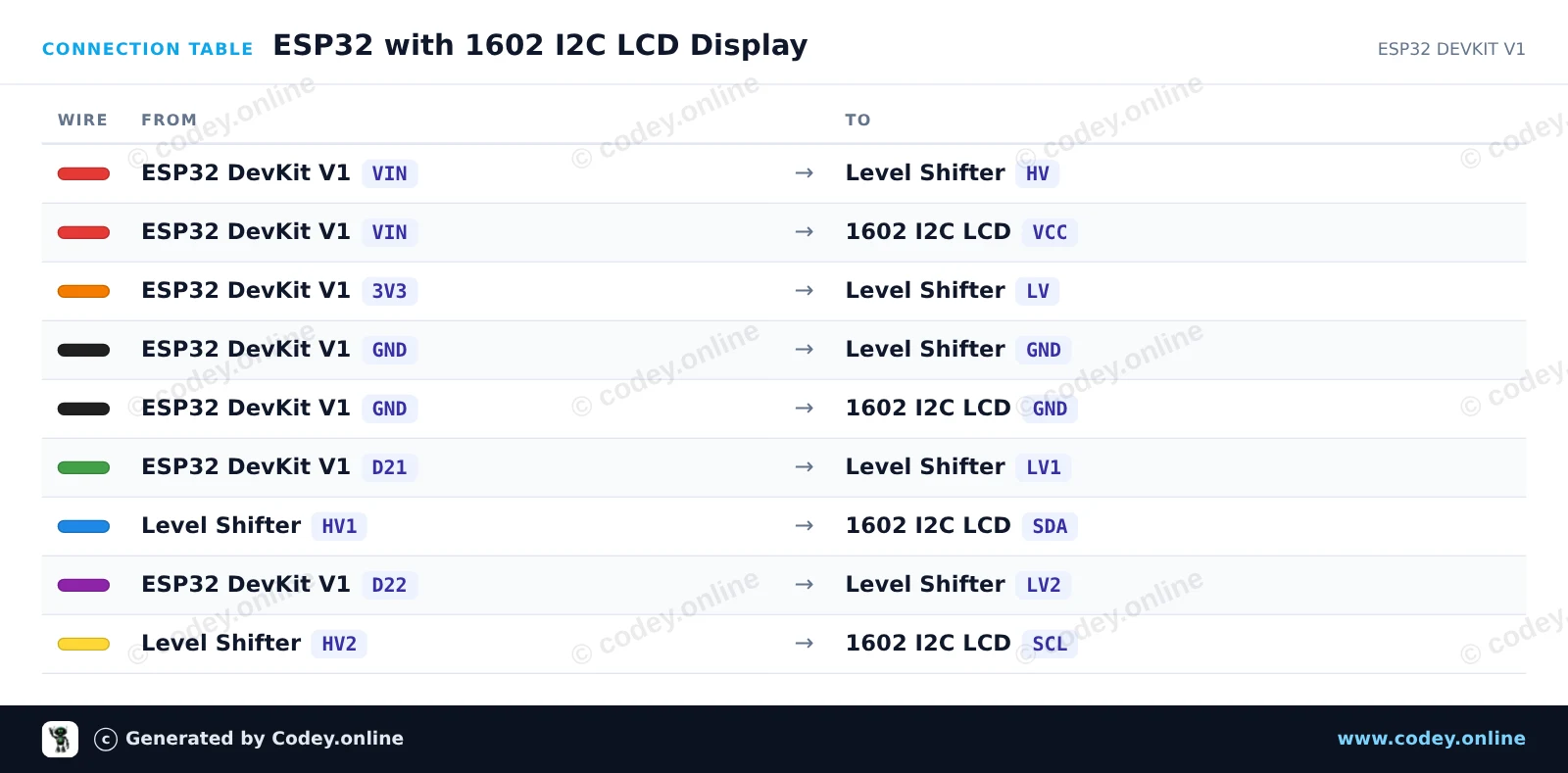
Dette projekt viser, hvordan man forbinder og viser tekst på en 1602 LCD-skærm ved hjælp af et I2C-backpack. Der bruges en 4-kanals tovejskompatibel level shifter til sikkert at omsætte ESP32’s 3.3V I2C-signaler til de 5V-signaler, som LCD-modulet kræver. Efter upload viser LCD’et en velkomstbesked og opdaterer en oppetids-tæller hvert sekund.
/*
* ==================================================================
* Generated by Codey.online — https://www.codey.online
* ==================================================================
* Project : ESP32 with 1602 I2C LCD Display
* Board : ESP32 DEVKIT V1 (esp32:esp32:esp32doit-devkit-v1)
* Parts : 1602 LCD I2C DISPLAY
* Libraries : LiquidCrystal I2C 1.1.2
*
* Codey Online is an AI-powered browser IDE for Arduino and ESP32.
* Describe your project and Codey writes the code, draws the wiring
* diagram and uploads it to your board, straight from the browser.
* This code is free to use, modify and share, without warranty.
* ==================================================================
*/
#include <Wire.h>
#include <LiquidCrystal_I2C.h>
// Set the LCD address (commonly 0x27 or 0x3F) for a 16 chars and 2 line display
LiquidCrystal_I2C lcd(0x27, 16, 2);
void setup() {
// Initialize I2C on default ESP32 pins (SDA=21, SCL=22)
Wire.begin(21, 22);
lcd.init();
lcd.backlight();
// Display greeting
lcd.setCursor(0, 0);
lcd.print("ESP32 LCD Demo");
lcd.setCursor(0, 1);
lcd.print("Uptime: ");
}
void loop() {
// Update uptime in seconds
lcd.setCursor(8, 1);
lcd.print(millis() / 1000);
lcd.print("s ");
delay(1000);
}
Nødvendige biblioteker: LiquidCrystal I2C 1.1.2
Wiring diagram and example code generated by Codey.online — https://www.codey.online
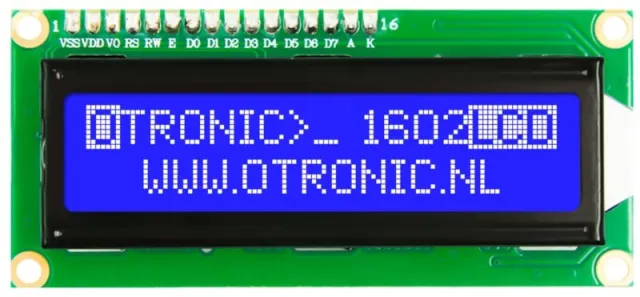
1602 LCD med I2C-modul forloddet. Klar til brug i dit Arduino-, ESP32-, ESP8266- eller Raspberry Pi-projekt. Meget nemmere end uden dette modul. Nu kræves kun 2 ledninger til at styre dette LCD-display.
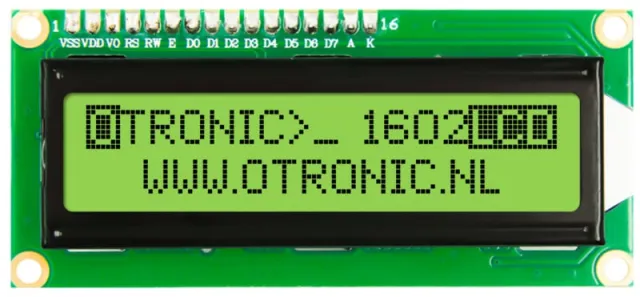
LCD med grøn/gul baggrundsbelysning og sorte tegn. 2 linjer, 16 tegn pr. linje. Kontrast er (softwaremæssigt) justerbar.
– Virker på: 5V
– Afmetingen: 98mm x 60mm x 15mm.
Inkl. I2C-modul!
Kom hurtigt i gang med dette OTRONIC 1602 LCD-display med I2C-modul. Download OTRONIC 1602 LCD HURTIGSTART-GUIDE for et tilslutningsdiagram og eksempelcode til Arduino IDE-softwaren.
Afmetingen
Lengte: 8cm
Breedte: 3,6cm
Hoogte: 1,66cm
| Strømforsyning | 5 V |
|---|---|
| Mål | 98 mm x 60 mm x 15 mm |
| Farve | grøn/gul baggrundsbelysning |
| Tilslutning | 2 ledninger |
| Opløsning | 2 linjer |
| Grænseflade | I2C |
| Egnet til | Arduino |
Nyttig forklaring på webshoppen, føles slet ikke billig.
Gør præcis, hvad det skal.
Ikke tilfreds? Du har 30 dages fortrydelsesret efter modtagelsen til at sende produktet retur.
Alt om returnering
1602 LCD grøn/gul baggrundsbelysning med I2C forloddet