SKU: OT851-C35 Varenummer: XI343 EAN: 4252580702508

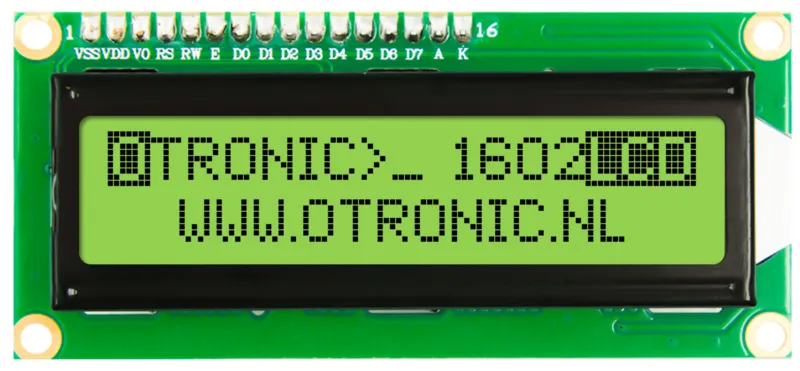
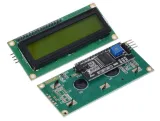
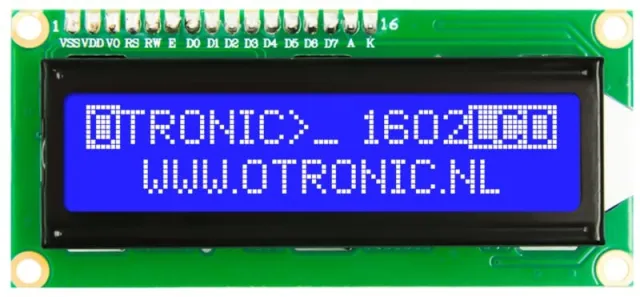
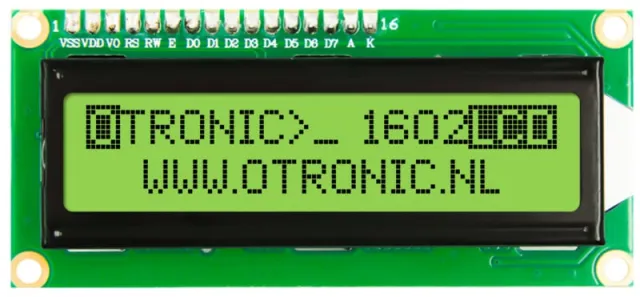
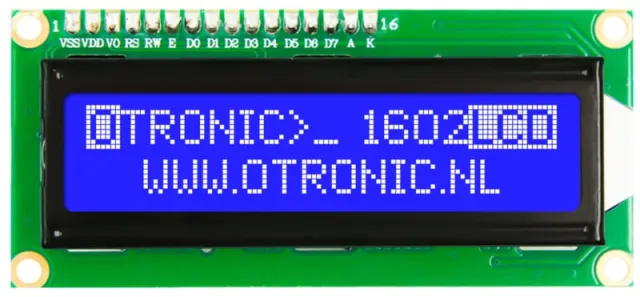
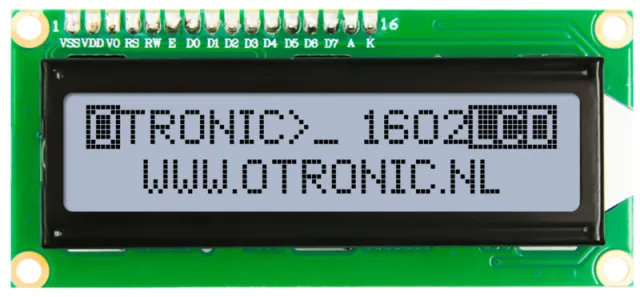
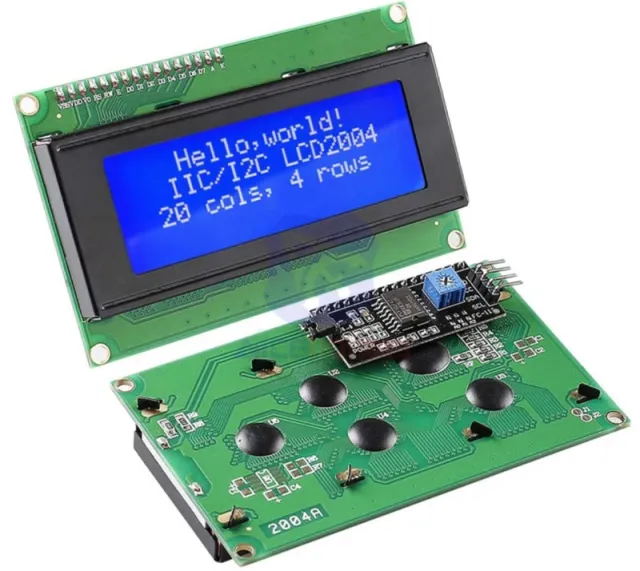
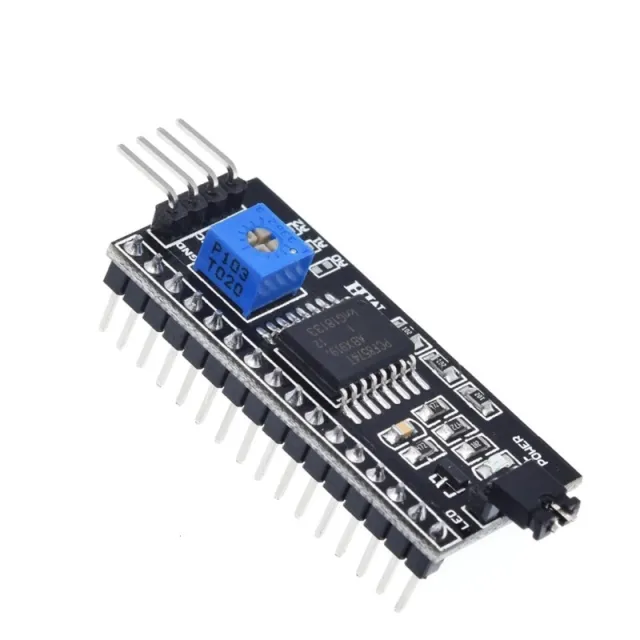
1602 LCD med I2C-modul forloddet. Klar til brug i dit Arduino-, ESP32-, ESP8266- eller Raspberry Pi-projekt. Meget nemmere end uden dette modul. Nu kræves kun 2 ledninger til at styre dette LCD-display.
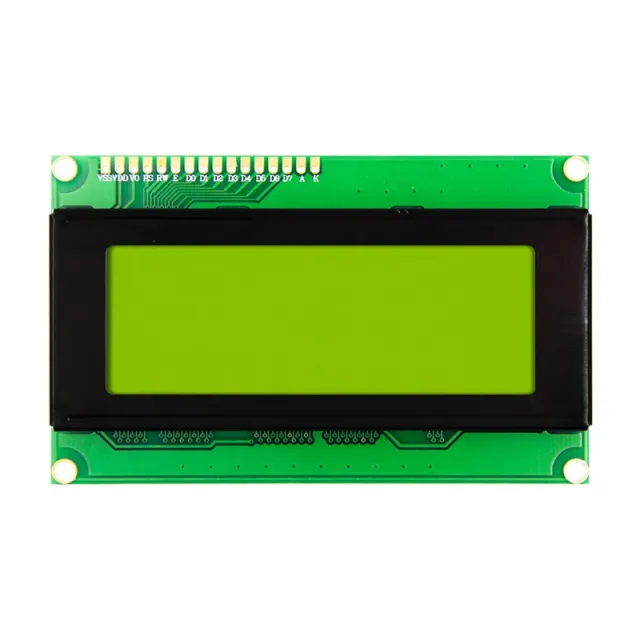
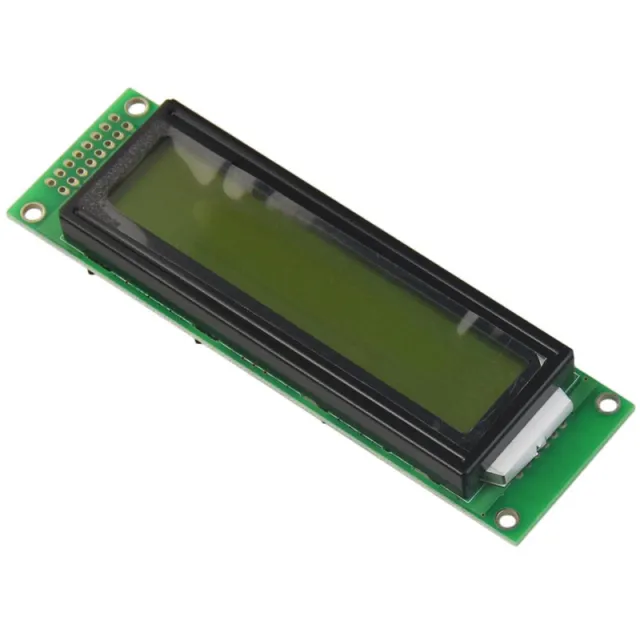
LCD med grøn/gul baggrundsbelysning og sorte tegn. 2 linjer, 16 tegn pr. linje. Kontrast er (softwaremæssigt) justerbar.
– Virker på: 5V
– Afmetingen: 98mm x 60mm x 15mm.
Inkl. I2C-modul!
Kom hurtigt i gang med dette OTRONIC 1602 LCD-display med I2C-modul. Download OTRONIC 1602 LCD HURTIGSTART-GUIDE for et tilslutningsdiagram og eksempelcode til Arduino IDE-softwaren.
Afmetingen
Lengte: 8cm
Breedte: 3,6cm
Hoogte: 1,66cm
Ved afspilning indlæses videoen fra YouTube.
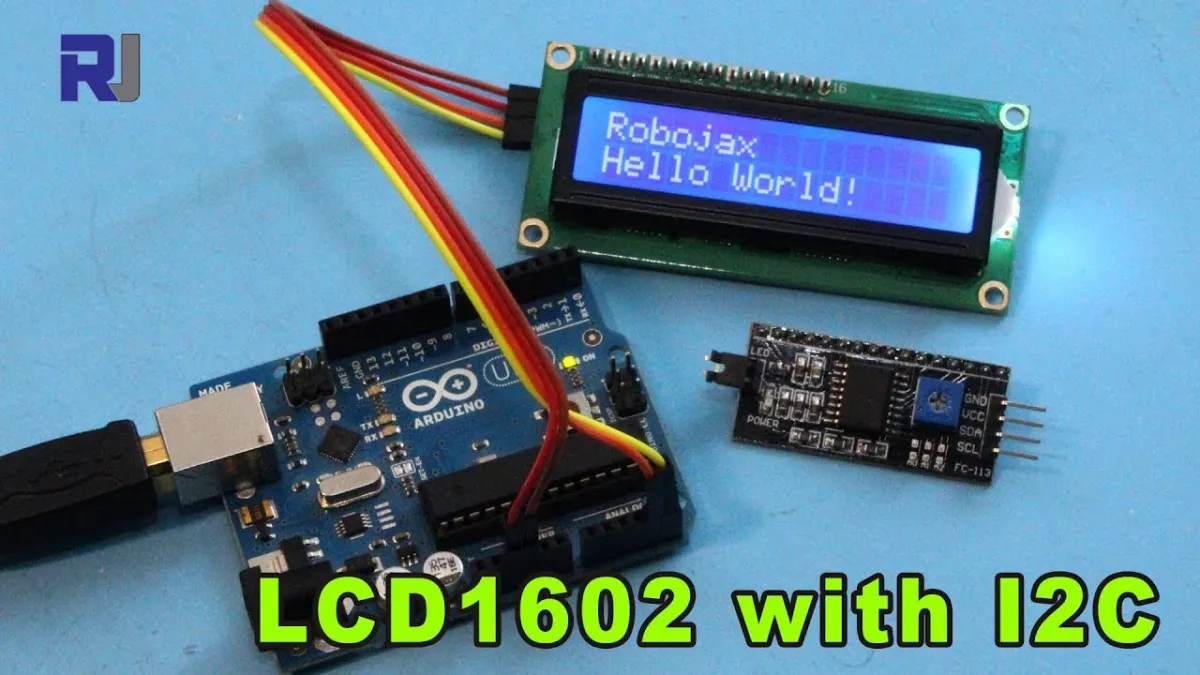
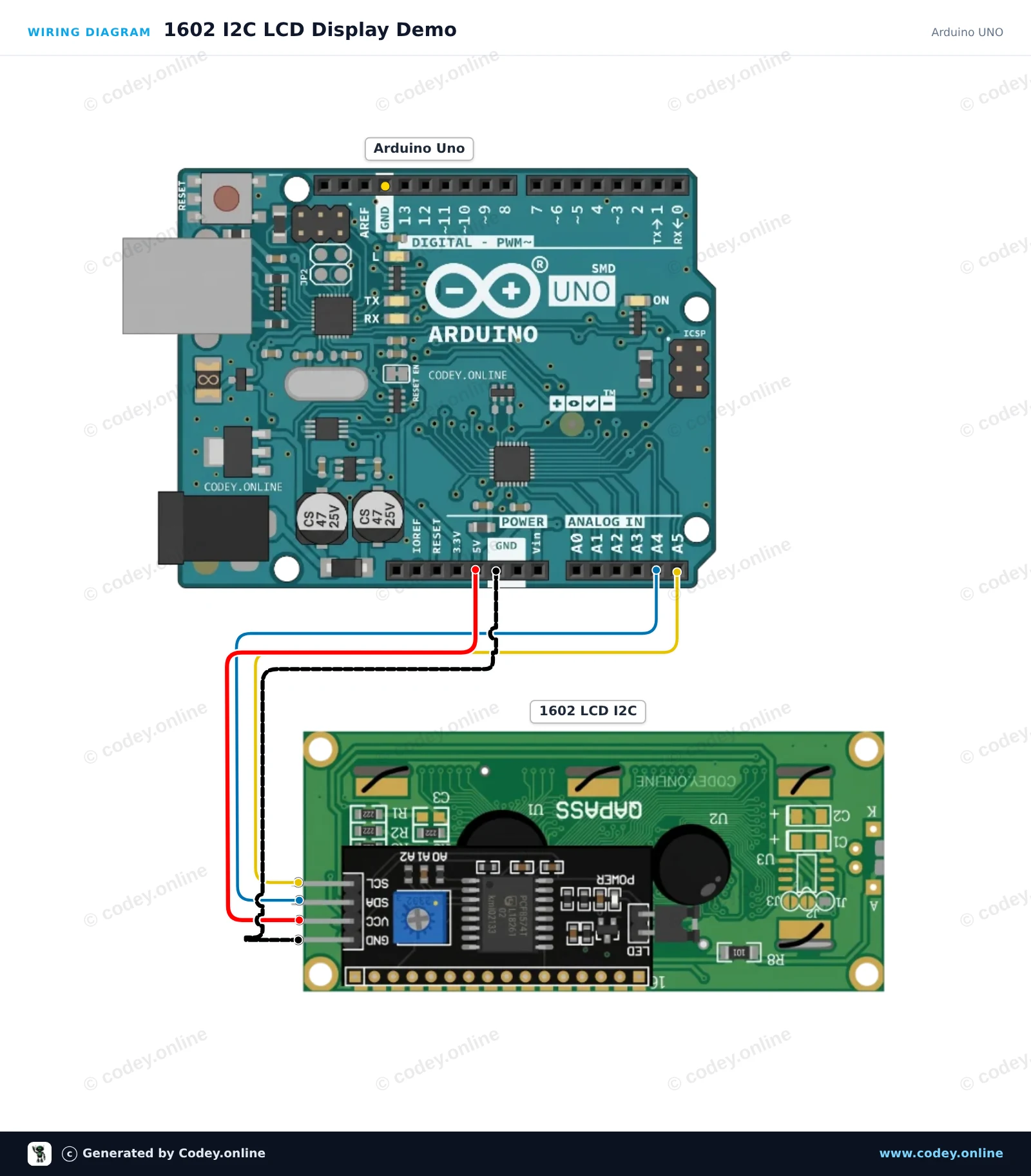
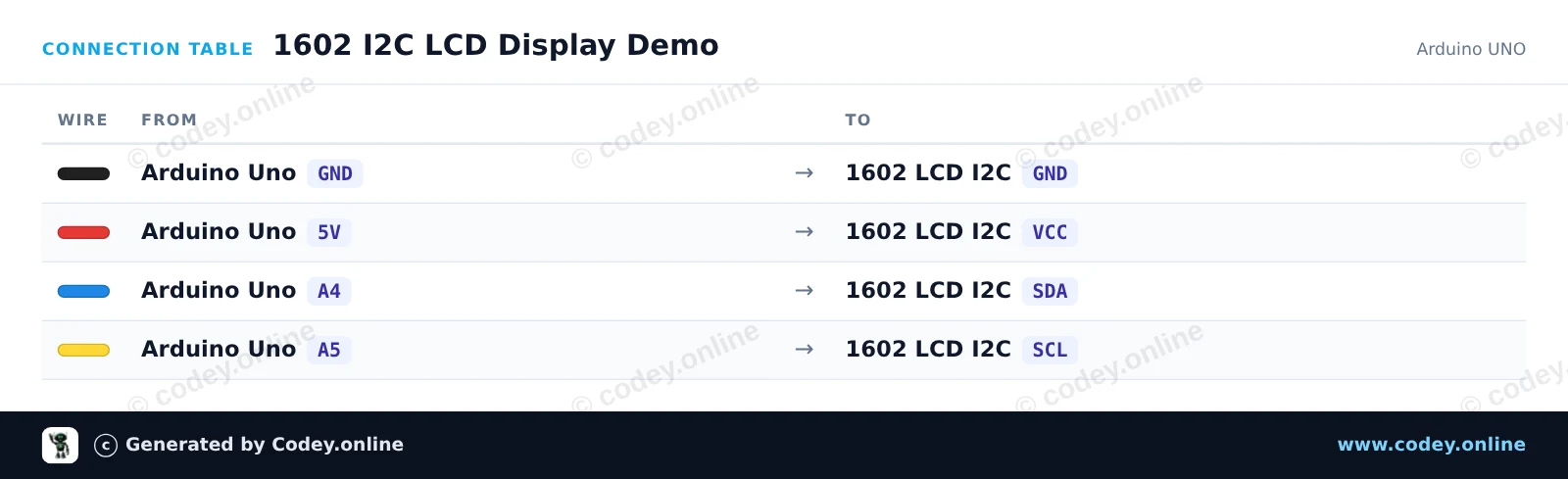
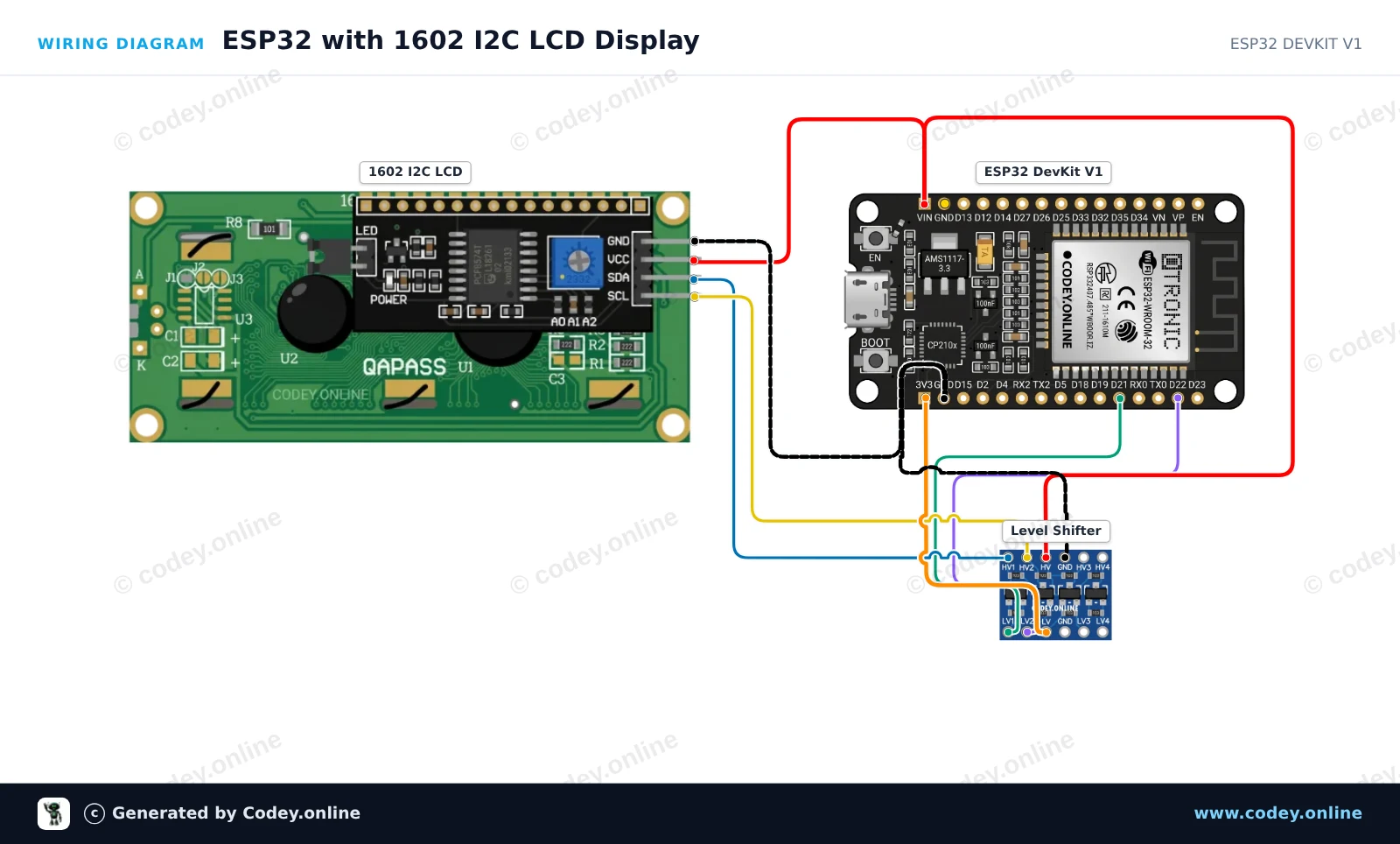
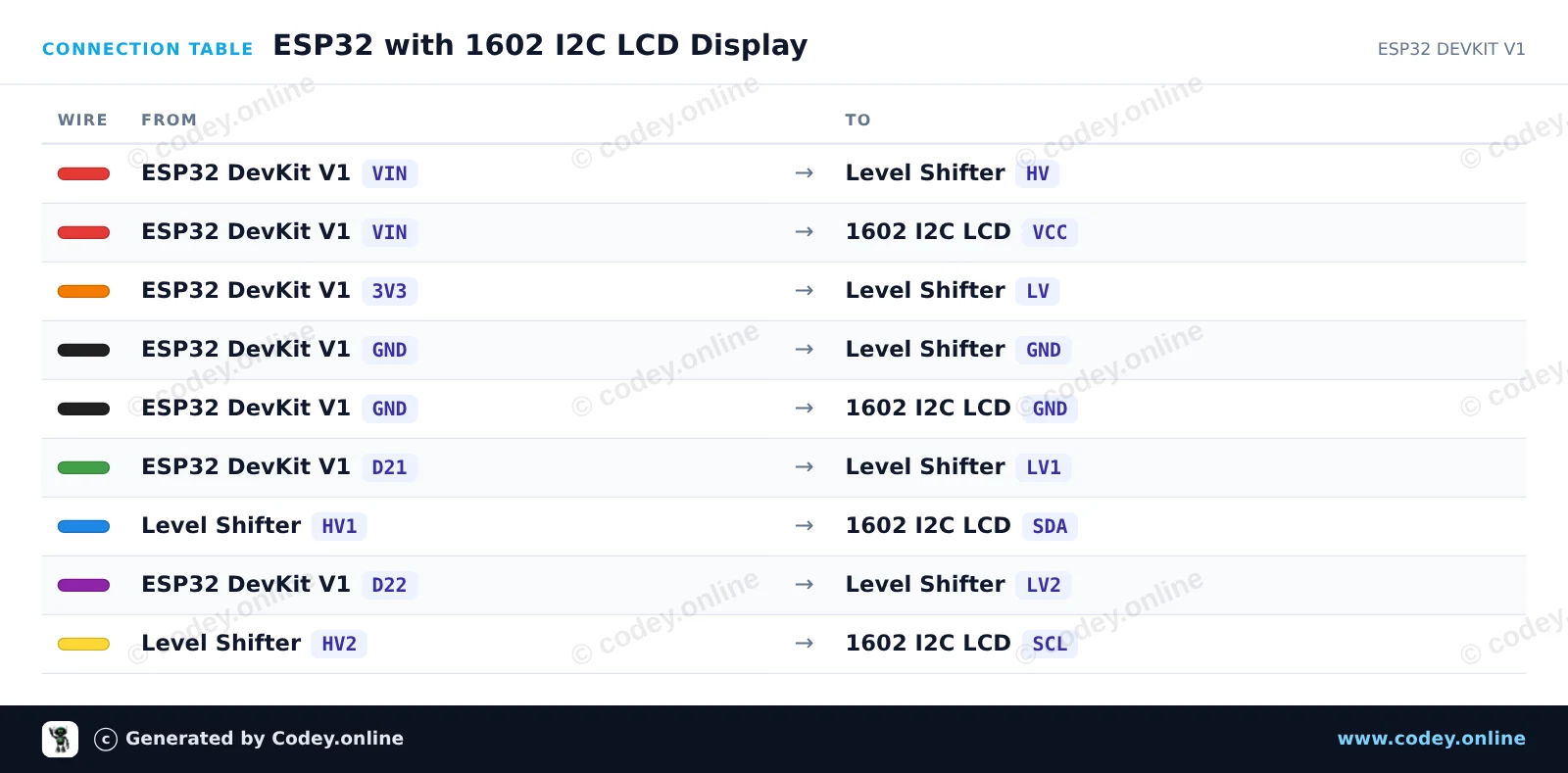
Sådan tilslutter du 1602 LCD grøn/gul baggrundsbelysning med I2C forloddet til en Arduino UNO eller ESP32, med en eksempelsketch, du kan uploade med det samme.
Dette projekt forbinder et 16x2-tegns LCD via I2C til en Arduino Uno. Displayet initialiseres, tænder baggrundsbelysningen, viser en velkomstbesked på første række og tæller oppetiden i sekunder på anden række.
/*
 * ==================================================================
 *  Generated by Codey.online  —  https://www.codey.online
 * ==================================================================
 *  Project   : 1602 I2C LCD Display Demo
 *  Board     : Arduino UNO (arduino:avr:uno)
 *  Parts     : 1602 LCD I2C DISPLAY
 *  Libraries : LiquidCrystal I2C 1.1.2
 *
 *  Codey Online is an AI-powered browser IDE for Arduino and ESP32.
 *  Describe your project and Codey writes the code, draws the wiring
 *  diagram and uploads it to your board, straight from the browser.
 *  This code is free to use, modify and share, without warranty.
 * ==================================================================
 */

#include <Wire.h>
#include <LiquidCrystal_I2C.h>

// Common I2C addresses are 0x27 or 0x3F for 1602 LCD modules
LiquidCrystal_I2C lcd(0x27, 16, 2);

void setup() {
  Serial.begin(115200);

  lcd.init();
  lcd.backlight();

  lcd.setCursor(0, 0);
  lcd.print(F("Hello, Arduino!"));
  Serial.println(F("LCD initialized successfully."));
}

void loop() {
  unsigned long seconds = millis() / 1000;

  lcd.setCursor(0, 1);
  lcd.print(F("Uptime: "));
  lcd.print(seconds);
  lcd.print(F("s   "));

  delay(500);
}Nødvendige biblioteker: LiquidCrystal I2C 1.1.2
Wiring diagram and example code generated by Codey.online — https://www.codey.online
Dette projekt viser, hvordan man forbinder og viser tekst på en 1602 LCD-skærm ved hjælp af et I2C-backpack. Der bruges en 4-kanals tovejskompatibel level shifter til sikkert at omsætte ESP32’s 3.3V I2C-signaler til de 5V-signaler, som LCD-modulet kræver. Efter upload viser LCD’et en velkomstbesked og opdaterer en oppetids-tæller hvert sekund.
/*
 * ==================================================================
 *  Generated by Codey.online  —  https://www.codey.online
 * ==================================================================
 *  Project   : ESP32 with 1602 I2C LCD Display
 *  Board     : ESP32 DEVKIT V1 (esp32:esp32:esp32doit-devkit-v1)
 *  Parts     : 1602 LCD I2C DISPLAY
 *  Libraries : LiquidCrystal I2C 1.1.2
 *
 *  Codey Online is an AI-powered browser IDE for Arduino and ESP32.
 *  Describe your project and Codey writes the code, draws the wiring
 *  diagram and uploads it to your board, straight from the browser.
 *  This code is free to use, modify and share, without warranty.
 * ==================================================================
 */

#include <Wire.h>
#include <LiquidCrystal_I2C.h>

// Set the LCD address (commonly 0x27 or 0x3F) for a 16 chars and 2 line display
LiquidCrystal_I2C lcd(0x27, 16, 2);

void setup() {
  // Initialize I2C on default ESP32 pins (SDA=21, SCL=22)
  Wire.begin(21, 22);

  lcd.init();
  lcd.backlight();

  // Display greeting
  lcd.setCursor(0, 0);
  lcd.print("ESP32 LCD Demo");
  lcd.setCursor(0, 1);
  lcd.print("Uptime: ");
}

void loop() {
  // Update uptime in seconds
  lcd.setCursor(8, 1);
  lcd.print(millis() / 1000);
  lcd.print("s   ");
  delay(1000);
}Nødvendige biblioteker: LiquidCrystal I2C 1.1.2
Wiring diagram and example code generated by Codey.online — https://www.codey.online







 English
  Nederlands
  Frans
Frans  Deutsch
  Italiano
  Español
  Suomi
Suomi  Polski
  Ελληνικά
  Български
  Čeština
  Hrvatski
  Svenska
  Aileen