SKU: OT2021-D48 Varenummer: AA134 EAN: 4897916523855

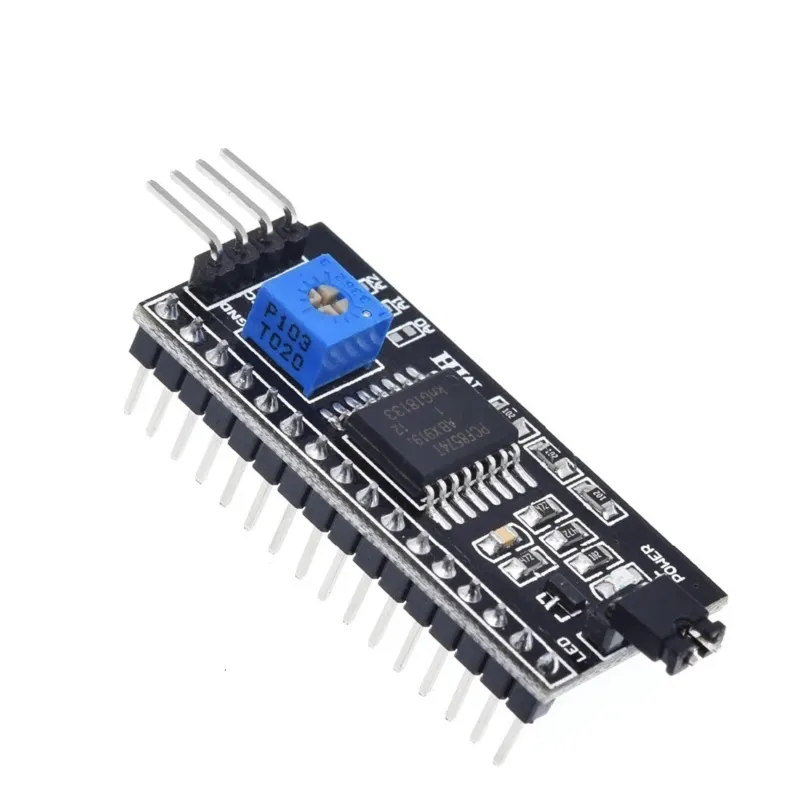
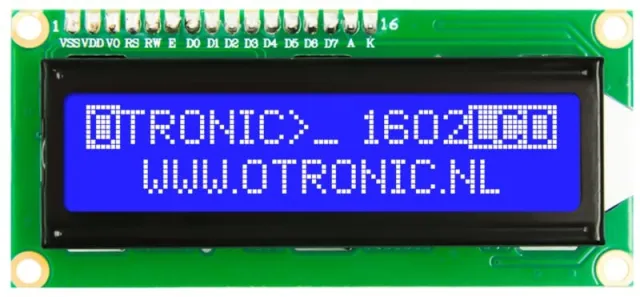
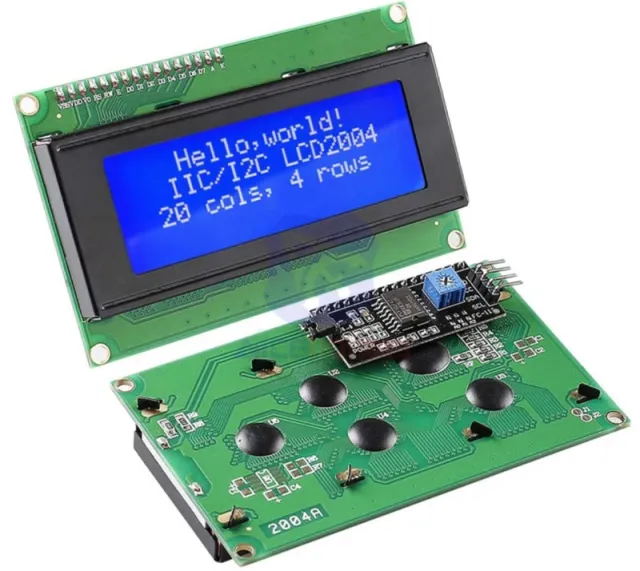
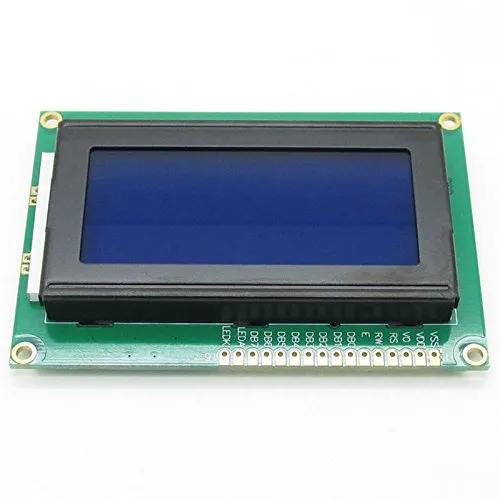
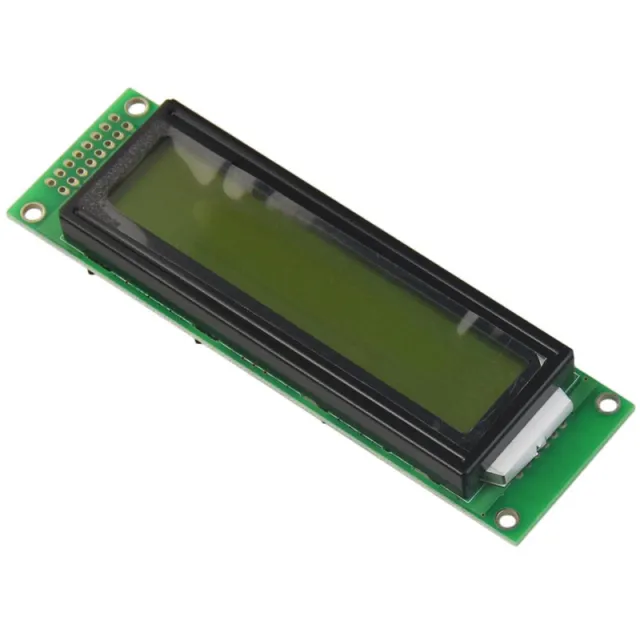
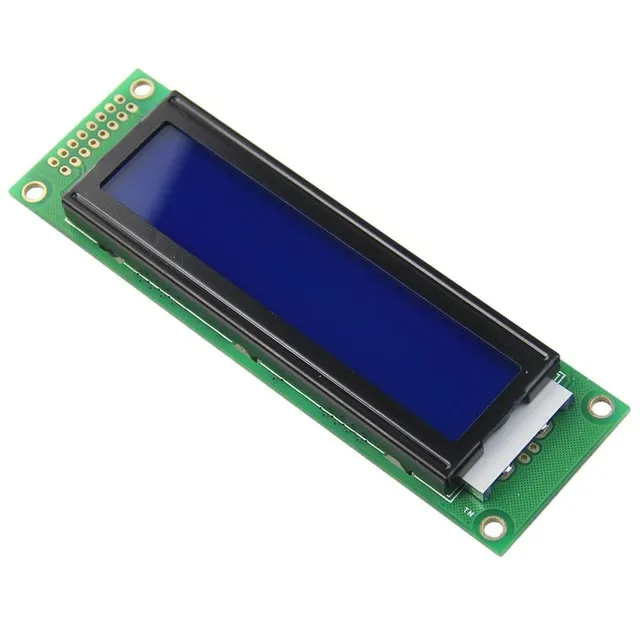
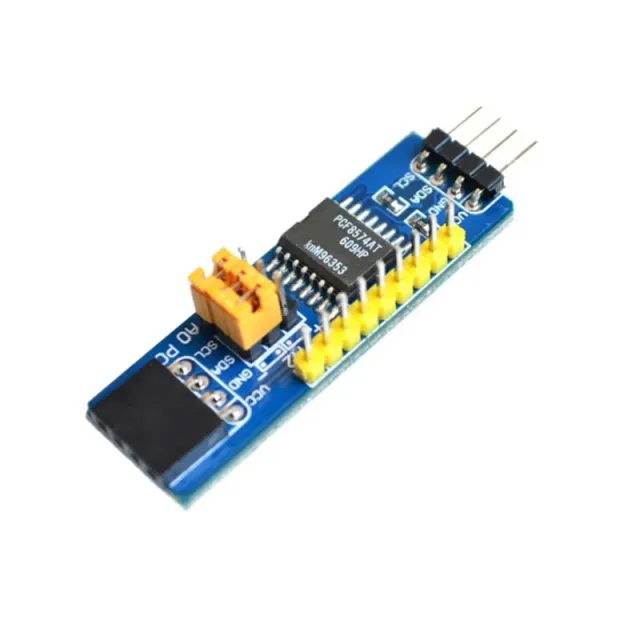
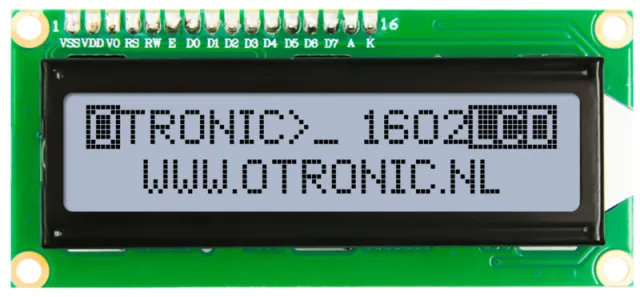
Med denne module kan du tilføje en I2C / IIC kommunikationsgrænseflade til dit 1602 eller 2004 LCD-display, så der kun kræves 2 dataledninger for at styre dit LCD-display.
• Forsyningsspænding: 2,5 - 6 V
• understøtter I2C-protokollen
• Indstilling af enhedsadressen (A0 / A1 / A2)
• Baggrundsbelysning tænd/sluk
• Kontrastjustering mulig
• Afmetingen (LxBxH): 41,5 x 19 x 15,3 mm
Afmetingen
Lengte: 4,55cm
Breedte: 1,9cm
Hoogte: 1,5cm
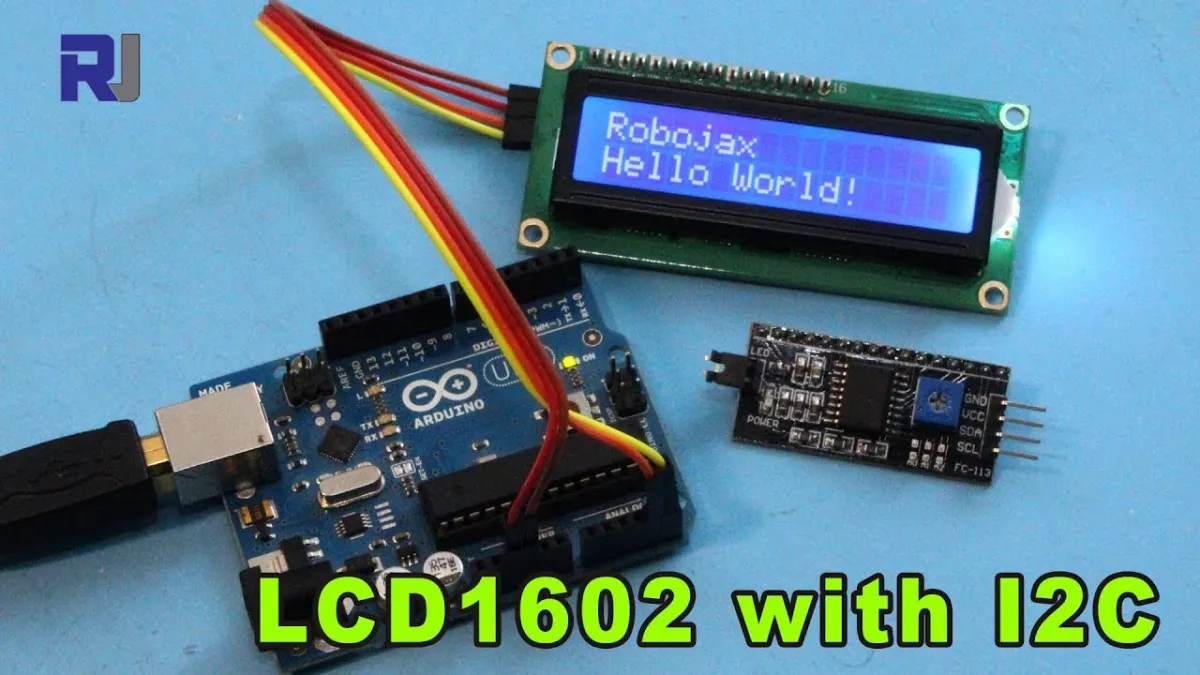
Ved afspilning indlæses videoen fra YouTube.
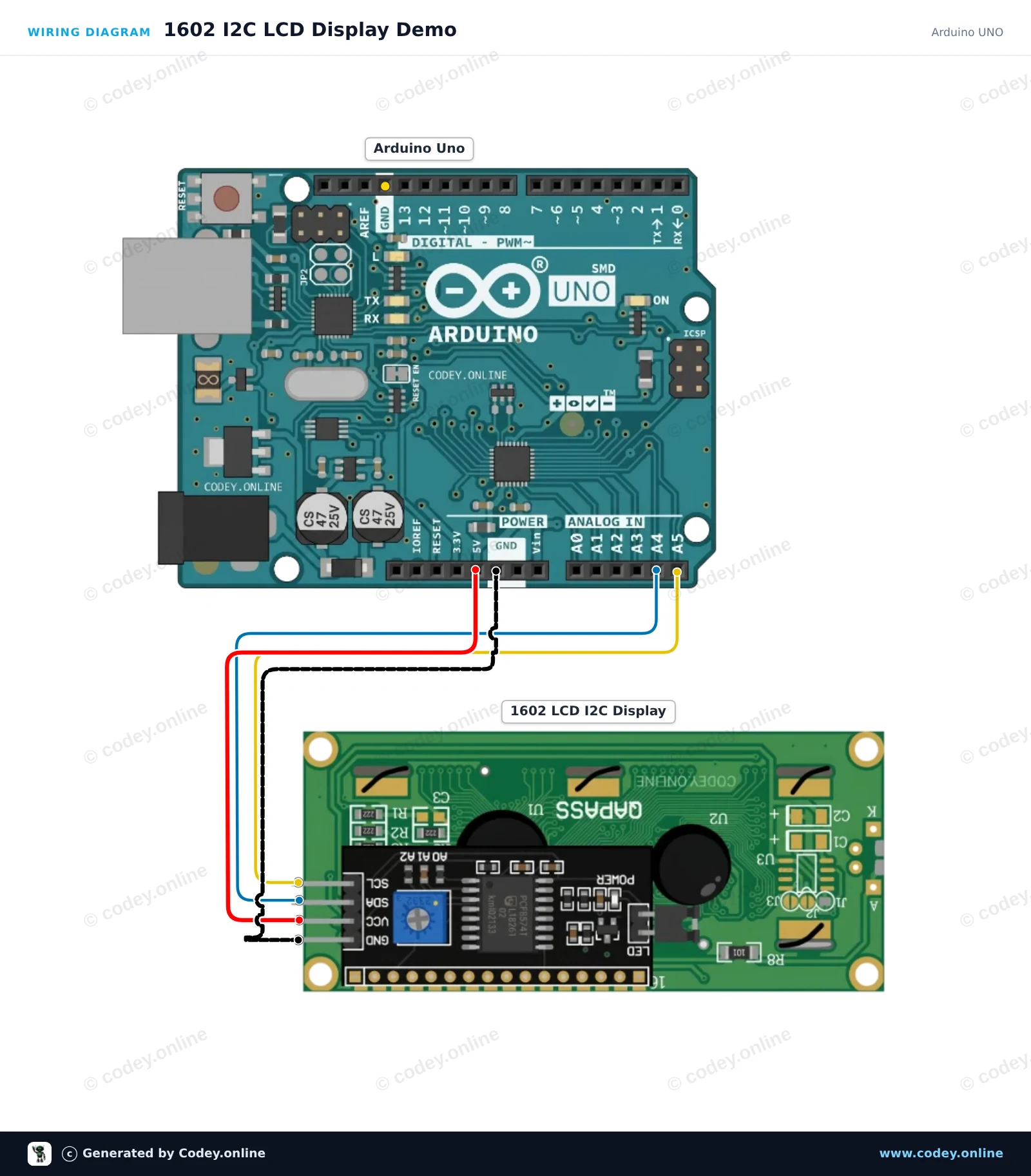
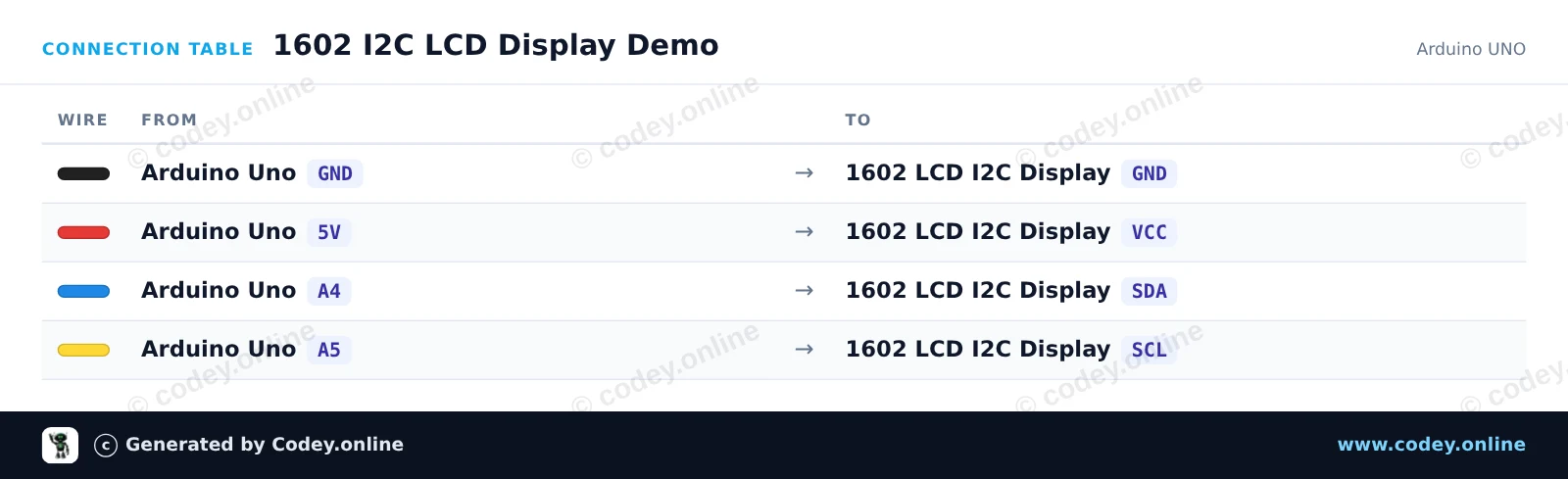
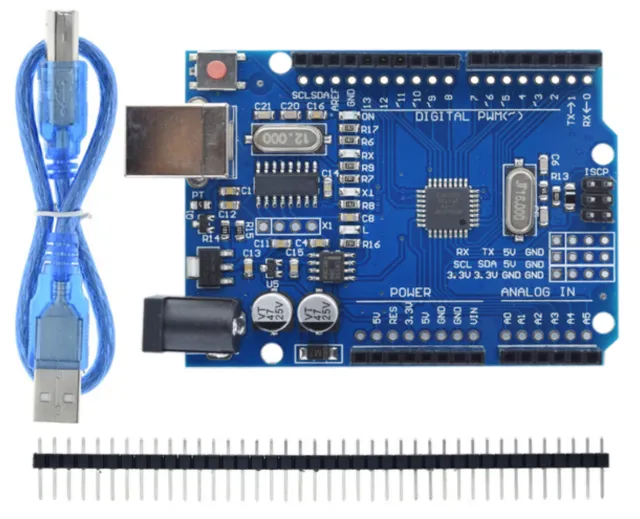
Sådan tilslutter du LCD 1602/2004 I2C adapter til en Arduino UNO eller ESP32, med en eksempelsketch, du kan uploade med det samme.
Dette projekt viser, hvordan man forbinder og viser tekst på et 1602 LCD-modul med et I2C-backpack. Det initialiserer displayet, tænder baggrundsbelysningen og udskriver en velkomst sammen med en live oppetids-tæller. Justér potentiometeret på bagsiden af modulet, hvis tekstens kontrast er for høj eller for lav.
/*
 * ==================================================================
 *  Generated by Codey.online  —  https://www.codey.online
 * ==================================================================
 *  Project   : 1602 I2C LCD Display Demo
 *  Board     : Arduino UNO (arduino:avr:uno)
 *  Parts     : 1602 LCD I2C DISPLAY
 *  Libraries : LiquidCrystal I2C 1.1.2
 *
 *  Codey Online is an AI-powered browser IDE for Arduino and ESP32.
 *  Describe your project and Codey writes the code, draws the wiring
 *  diagram and uploads it to your board, straight from the browser.
 *  This code is free to use, modify and share, without warranty.
 * ==================================================================
 */

#include <Wire.h>
#include <LiquidCrystal_I2C.h>

// Most 1602 I2C modules use address 0x27 or 0x3F
LiquidCrystal_I2C lcd(0x27, 16, 2);

void setup() {
  Serial.begin(115200);

  lcd.init();
  lcd.backlight();

  lcd.setCursor(0, 0);
  lcd.print("Hello, Arduino!");
  lcd.setCursor(0, 1);
  lcd.print("Uptime: 0s");

  Serial.println(F("1602 LCD display initialized."));
}

void loop() {
  static unsigned long seconds = 0;

  delay(1000);
  seconds++;

  lcd.setCursor(8, 1);
  lcd.print(seconds);
  lcd.print("s   ");

  Serial.print(F("Uptime (s): "));
  Serial.println(seconds);
}Nødvendige biblioteker: LiquidCrystal I2C 1.1.2
Wiring diagram and example code generated by Codey.online — https://www.codey.online
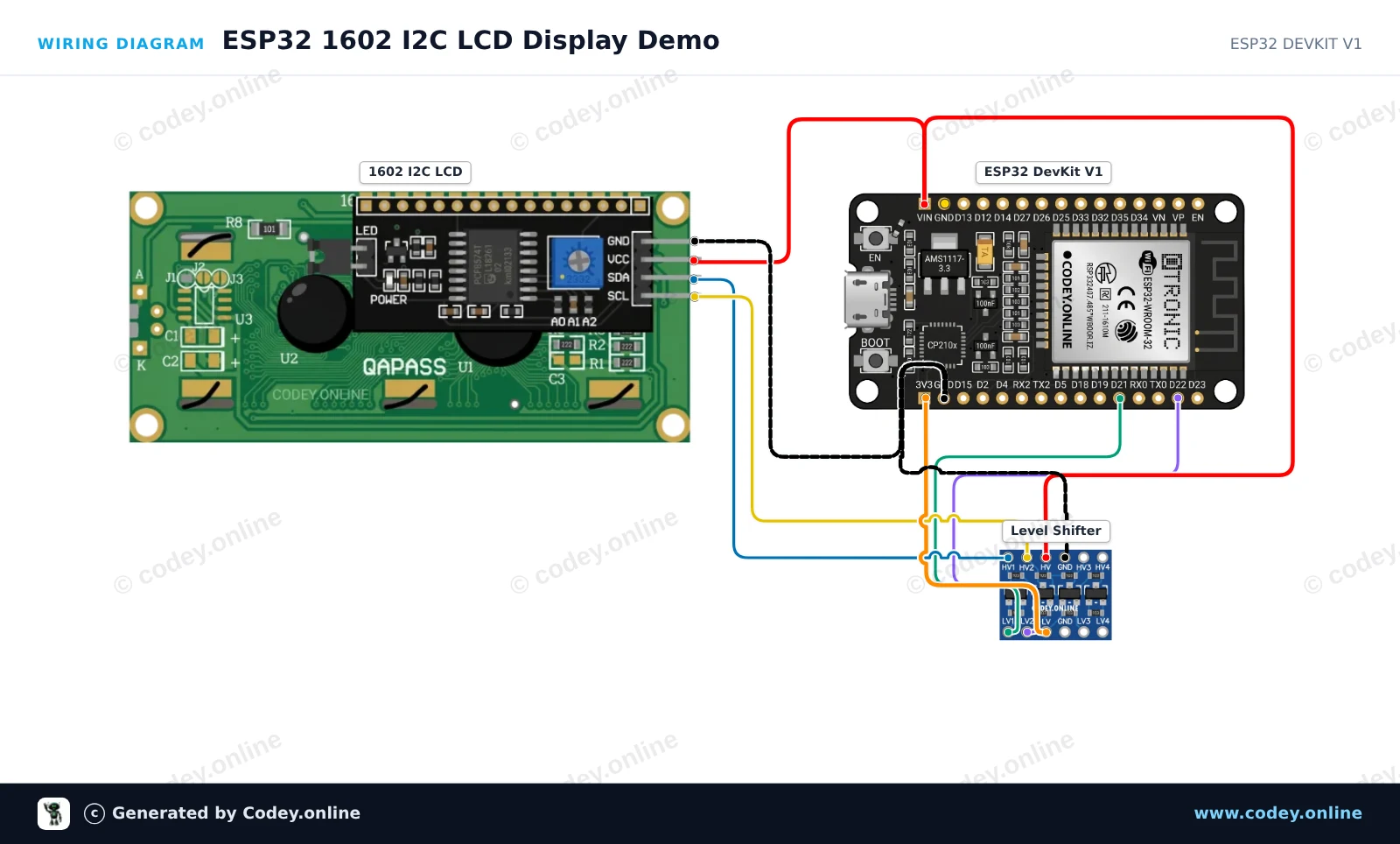
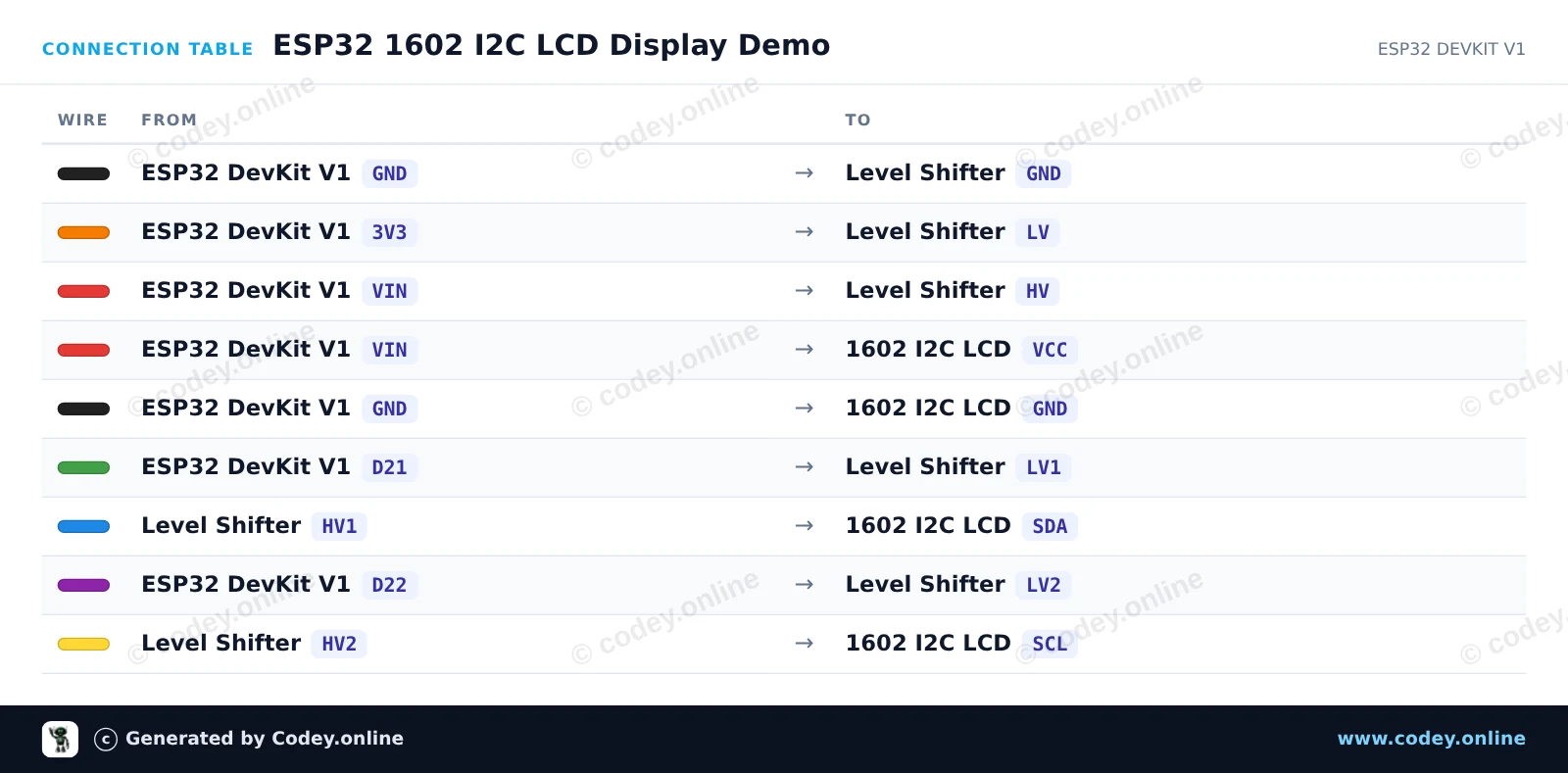
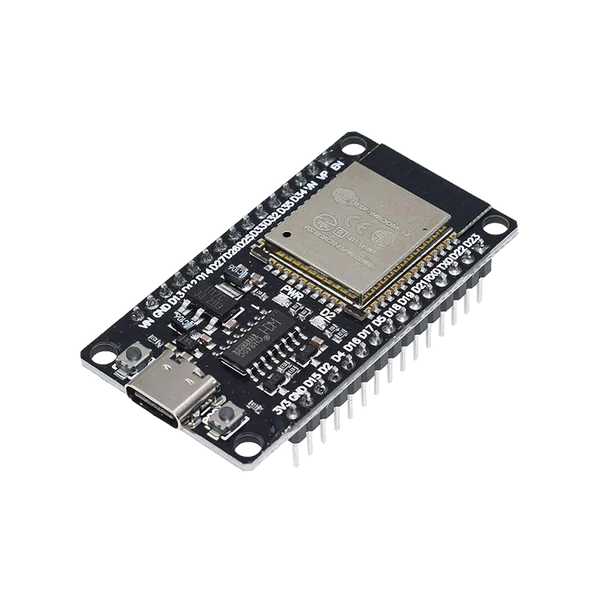
Dette projekt viser en velkomstbesked og en oppetidstæller på et 1602 I2C-tegn-LCD. Der bruges en 4-kanals bidirektionel logic level shifter til sikkert at forbinde ESP32'ens 3.3V I2C-signaler til den 5V-logik, som LCD-backpacken kræver. Når der tændes for strømmen, initialiserer LCD'et og opdaterer de løbende sekunder hvert sekund.
/*
 * ==================================================================
 *  Generated by Codey.online  —  https://www.codey.online
 * ==================================================================
 *  Project   : ESP32 1602 I2C LCD Display Demo
 *  Board     : ESP32 DEVKIT V1 (esp32:esp32:esp32doit-devkit-v1)
 *  Parts     : 1602 LCD I2C DISPLAY
 *  Libraries : LiquidCrystal I2C 1.1.2
 *
 *  Codey Online is an AI-powered browser IDE for Arduino and ESP32.
 *  Describe your project and Codey writes the code, draws the wiring
 *  diagram and uploads it to your board, straight from the browser.
 *  This code is free to use, modify and share, without warranty.
 * ==================================================================
 */

#include <Wire.h>
#include <LiquidCrystal_I2C.h>

// Set the LCD address (commonly 0x27 or 0x3F) for a 16 chars and 2 line display
LiquidCrystal_I2C lcd(0x27, 16, 2);

void setup() {
  Serial.begin(115200);

  // Initialize I2C communication (SDA = GPIO 21, SCL = GPIO 22)
  Wire.begin(21, 22);

  // Initialize the LCD
  lcd.init();
  lcd.backlight();

  // Print greeting
  lcd.setCursor(0, 0);
  lcd.print("ESP32 LCD Demo");
  lcd.setCursor(0, 1);
  lcd.print("Uptime: 0s");

  Serial.println("1602 LCD Initialized!");
}

void loop() {
  // Update uptime counter every second
  static unsigned long lastUpdate = 0;
  if (millis() - lastUpdate >= 1000) {
    lastUpdate = millis();
    unsigned long seconds = millis() / 1000;

    lcd.setCursor(8, 1);
    lcd.print(seconds);
    lcd.print("s   ");

    Serial.print("Uptime: ");
    Serial.print(seconds);
    Serial.println(" s");
  }
}Nødvendige biblioteker: LiquidCrystal I2C 1.1.2
Wiring diagram and example code generated by Codey.online — https://www.codey.online






 English
  Nederlands
  Frans
Frans  Deutsch
  Italiano
  Español
  Suomi
Suomi  Polski
  Ελληνικά
  Български
  Čeština
  Hrvatski
  Aileen