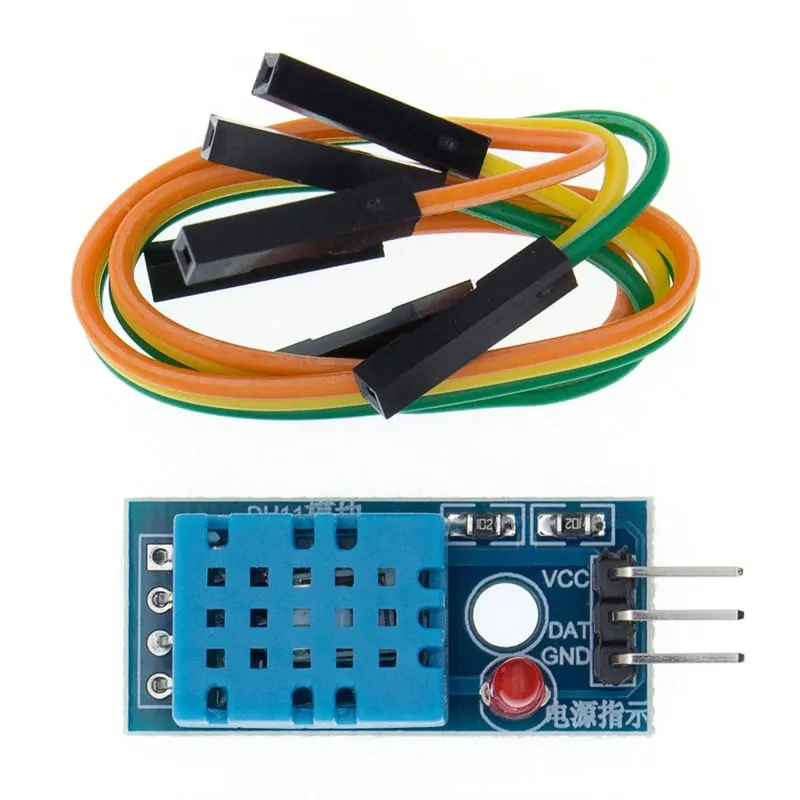
SKU: OT714-D61 Varenummer: AB058 EAN: 8756742620748

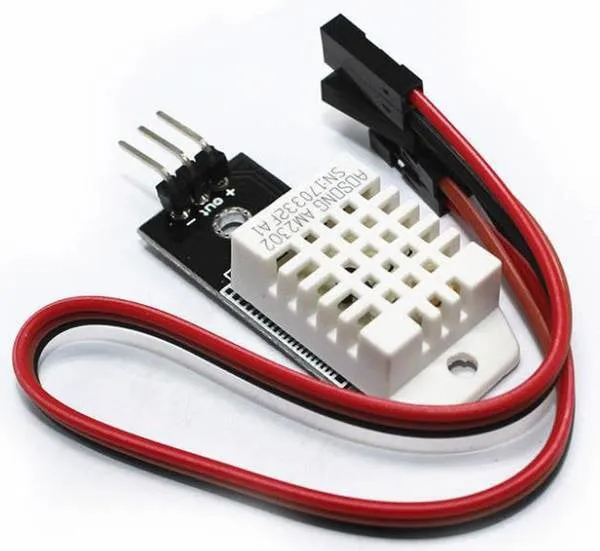
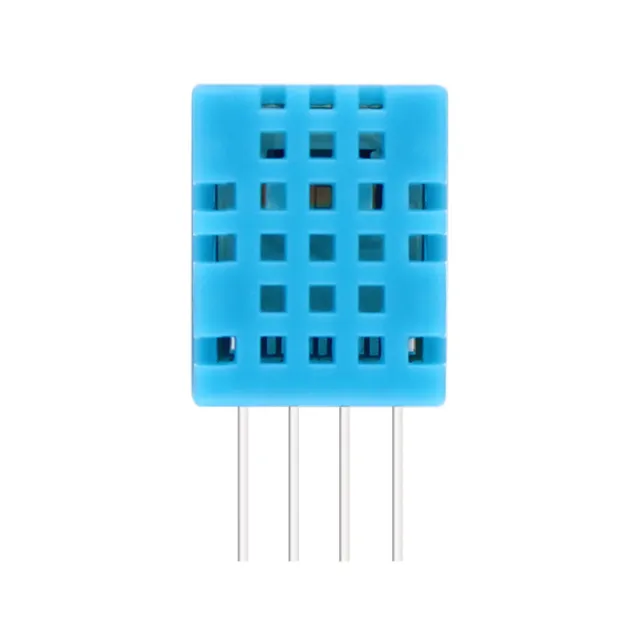
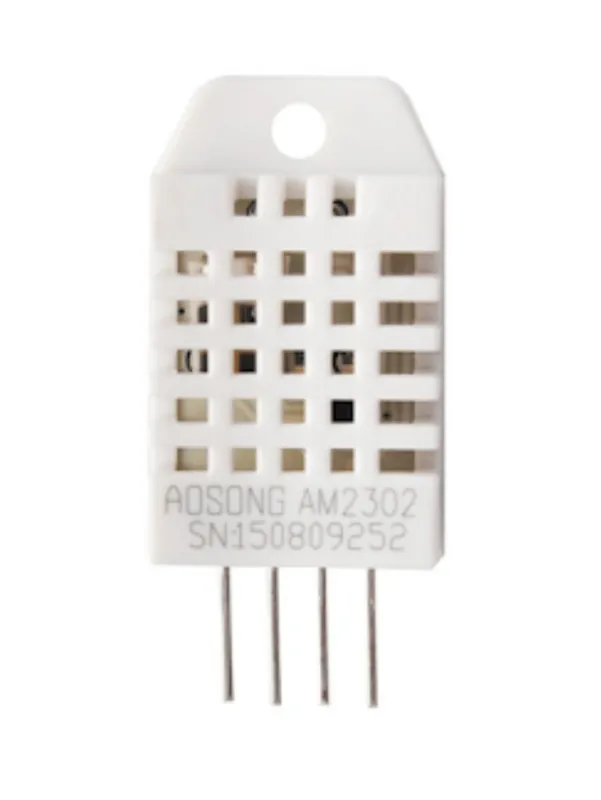
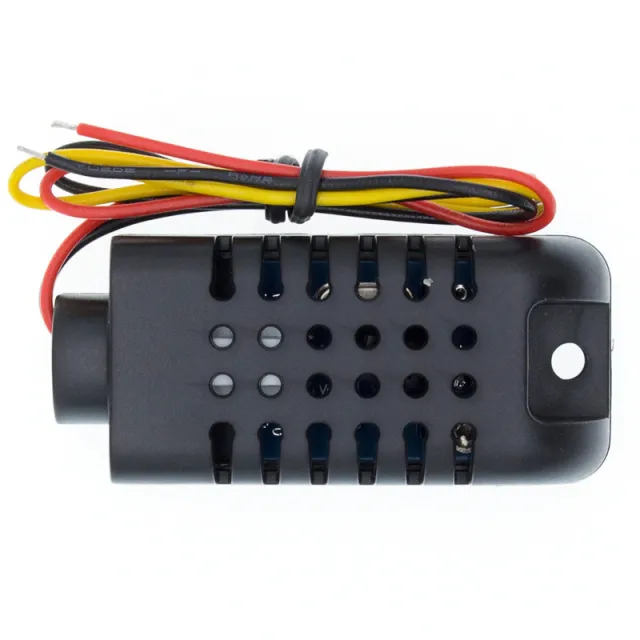
Dette er den mindre og lidt mindre præcise version af DHT22. Sensoren måler både temperatur og luftfugtighed.
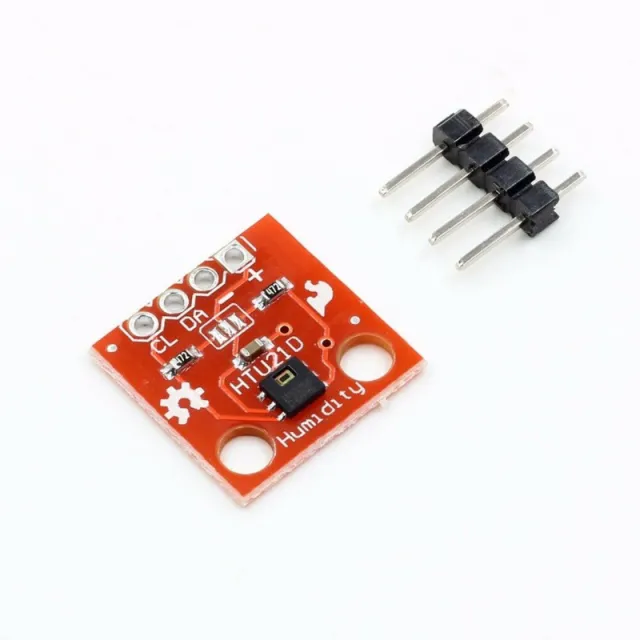
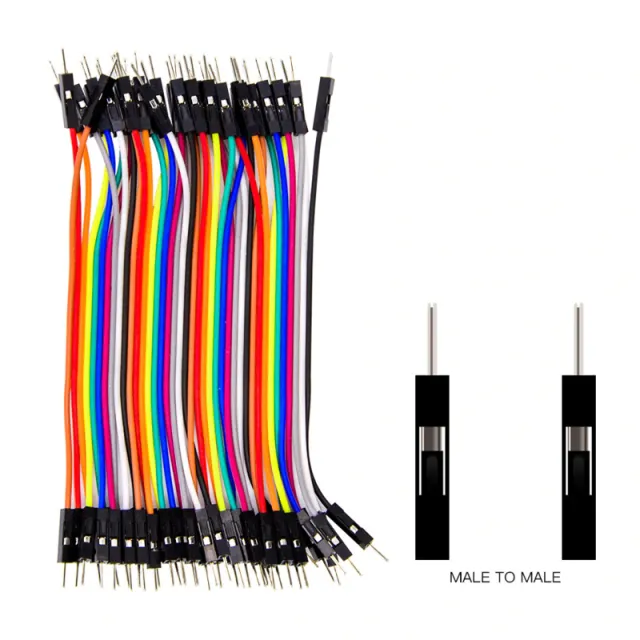
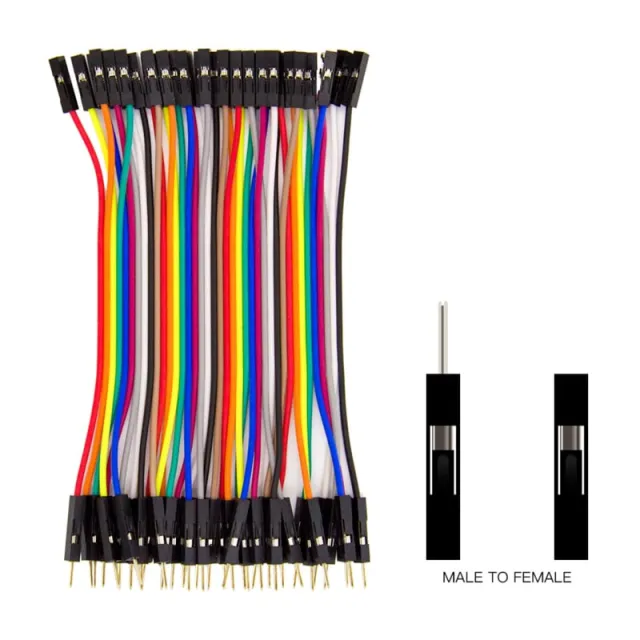
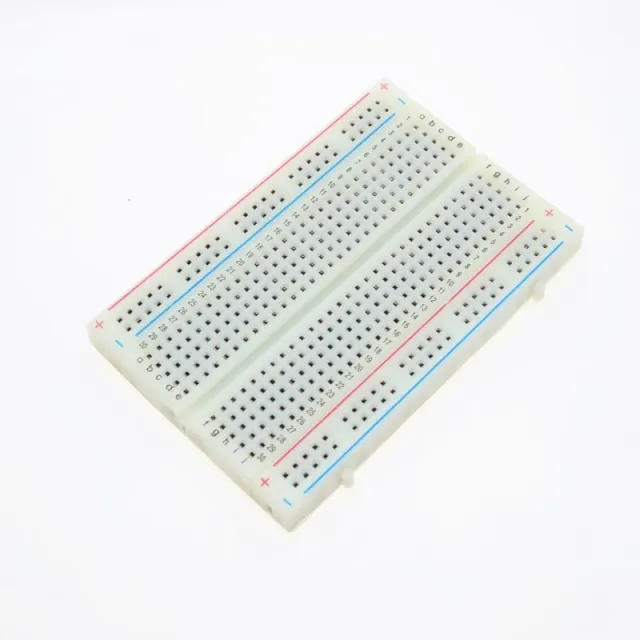
Modul egnet til breadboard og dupont-kabler (medfølger)
Temperaturmåleområde er 0 til 50 grader Celsius.
Nøjagtighed på +/- 2 grader
Strøm: 3.3v til 6v
Incl. dupont-kabler
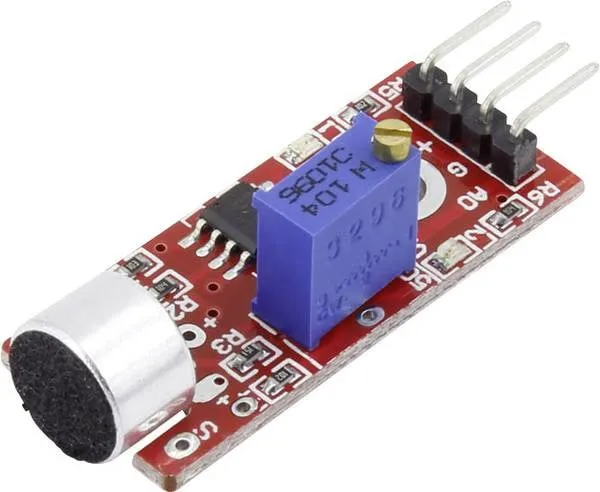
LED-indikator
Mål
Længde: 3,1cm
Bredde: 1,44cm
Højde: 0,75cm
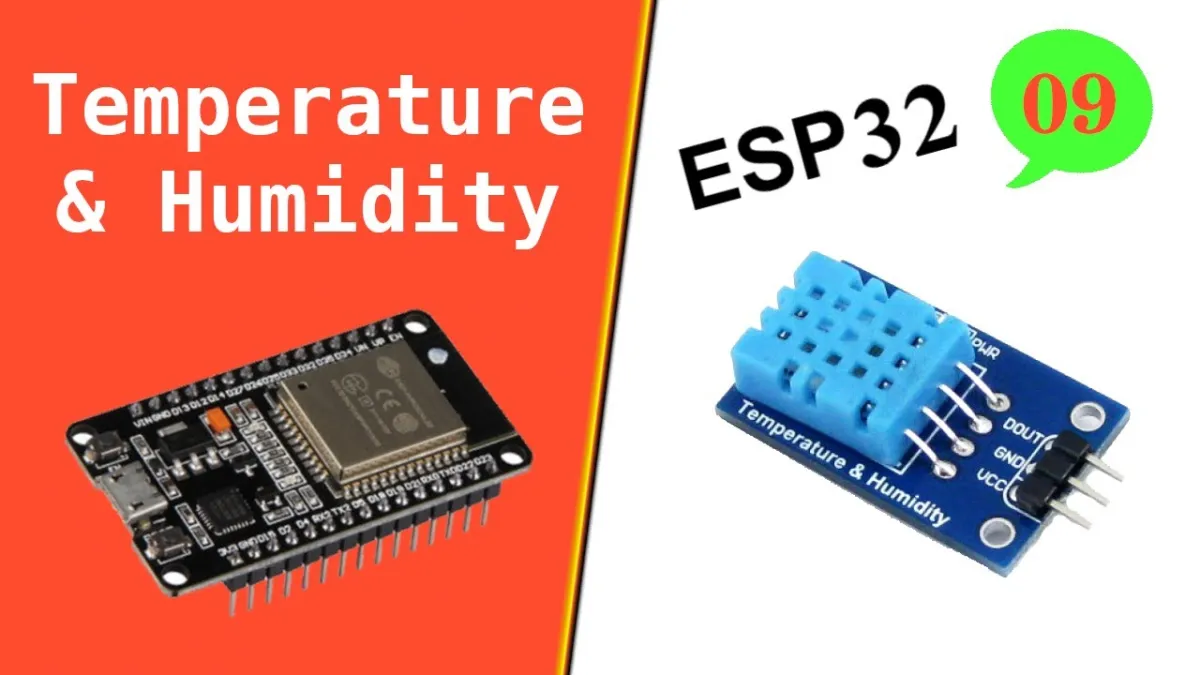
Ved afspilning indlæses videoen fra YouTube.
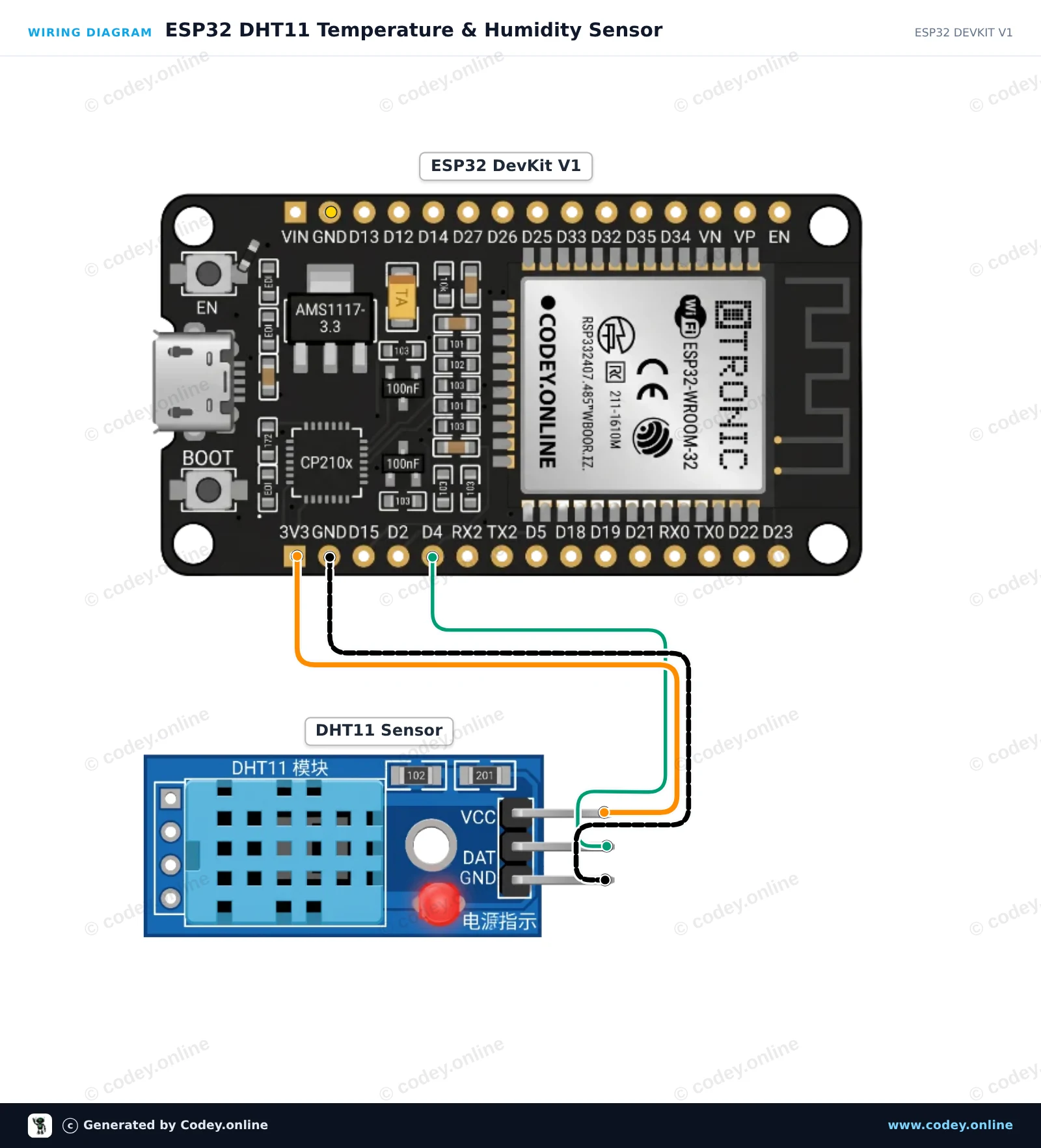
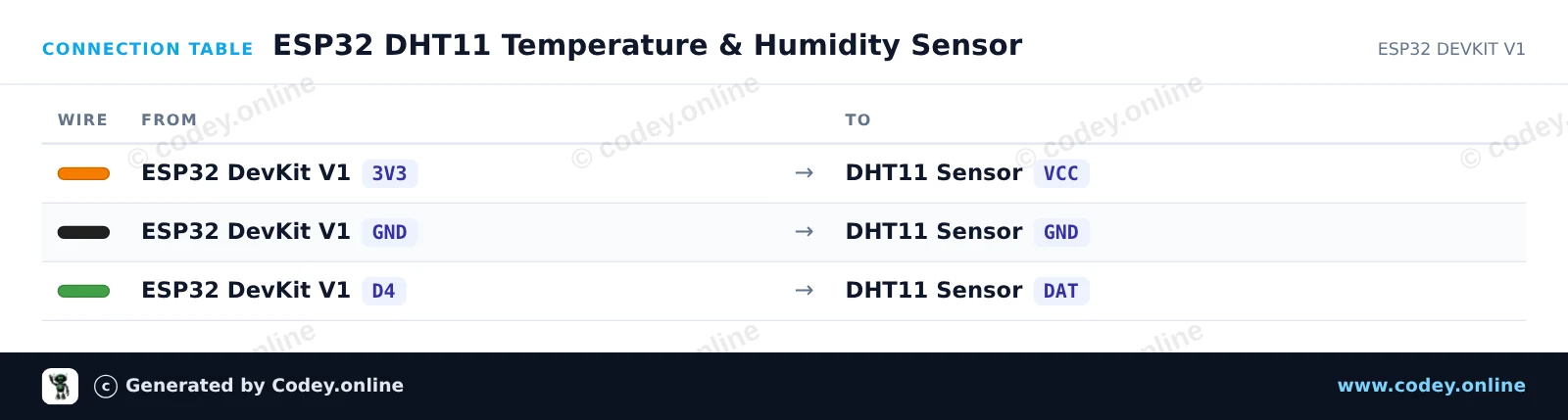
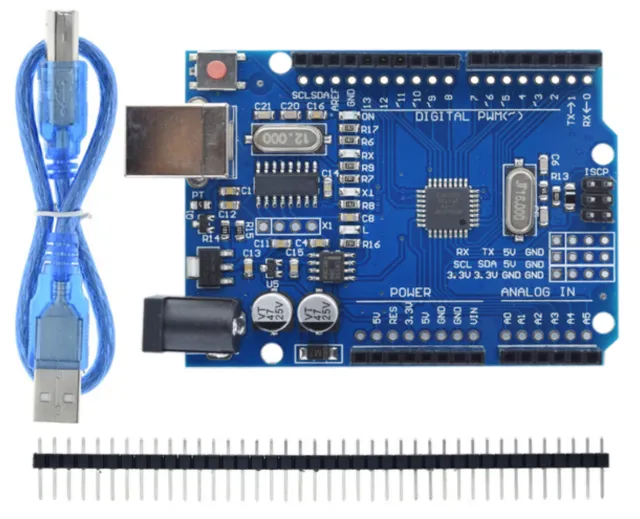
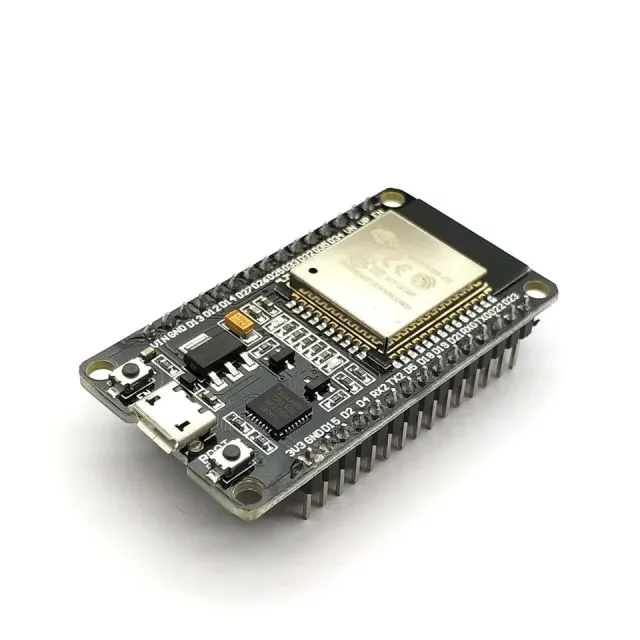
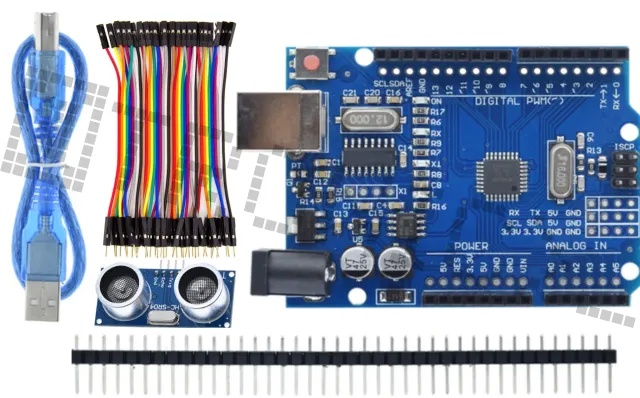
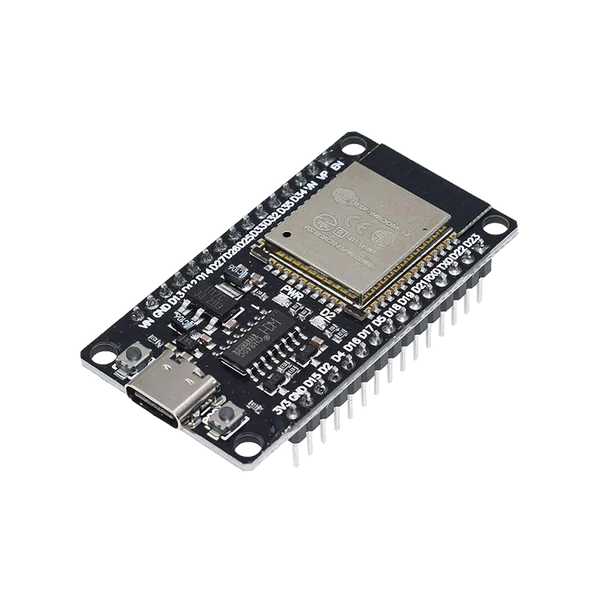
Sådan tilslutter du Temperatur- og luftfugtighedssensor i 1| DHT11 modul til Arduino til en Arduino UNO eller ESP32, med en eksempelsketch, du kan uploade med det samme.
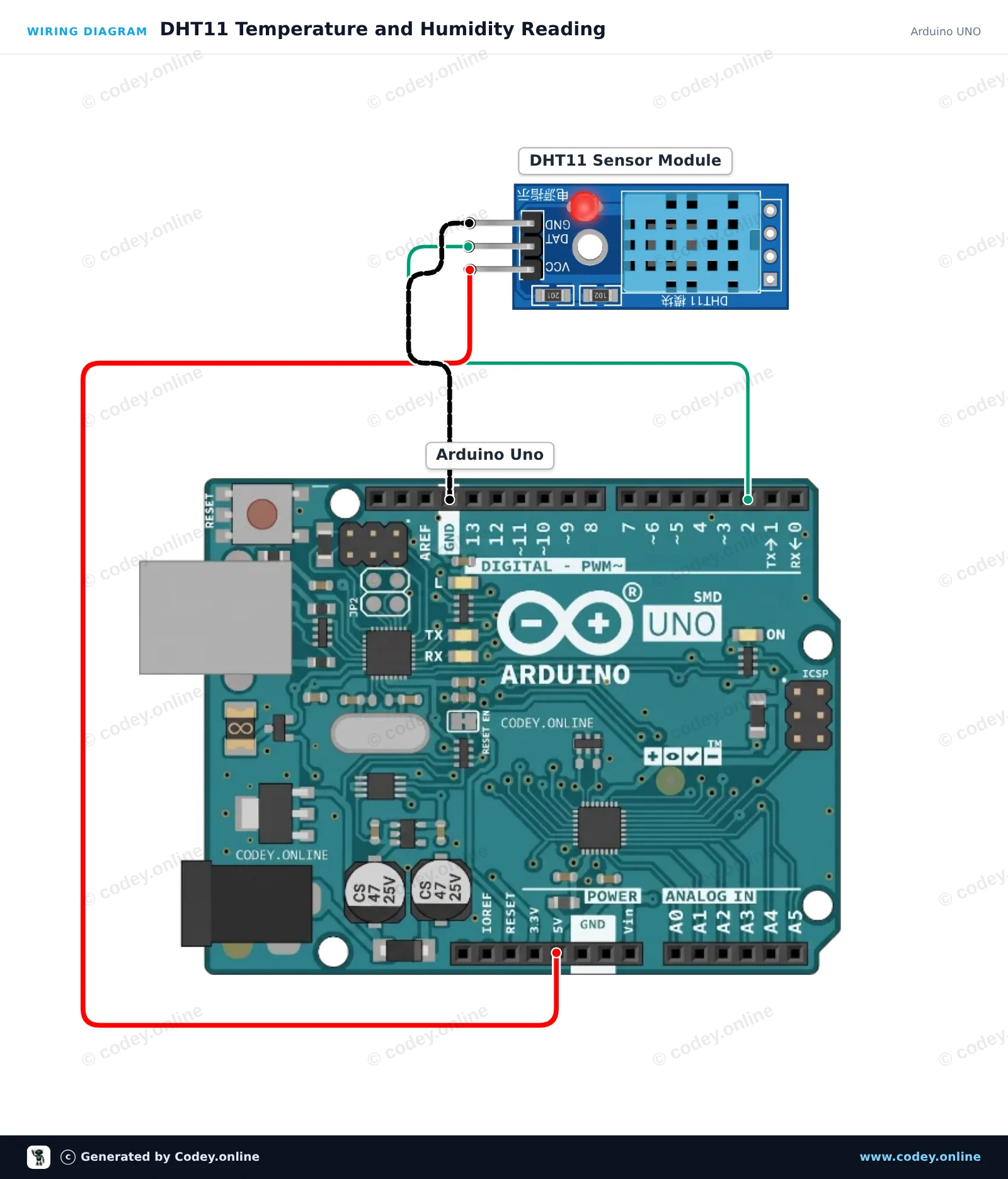
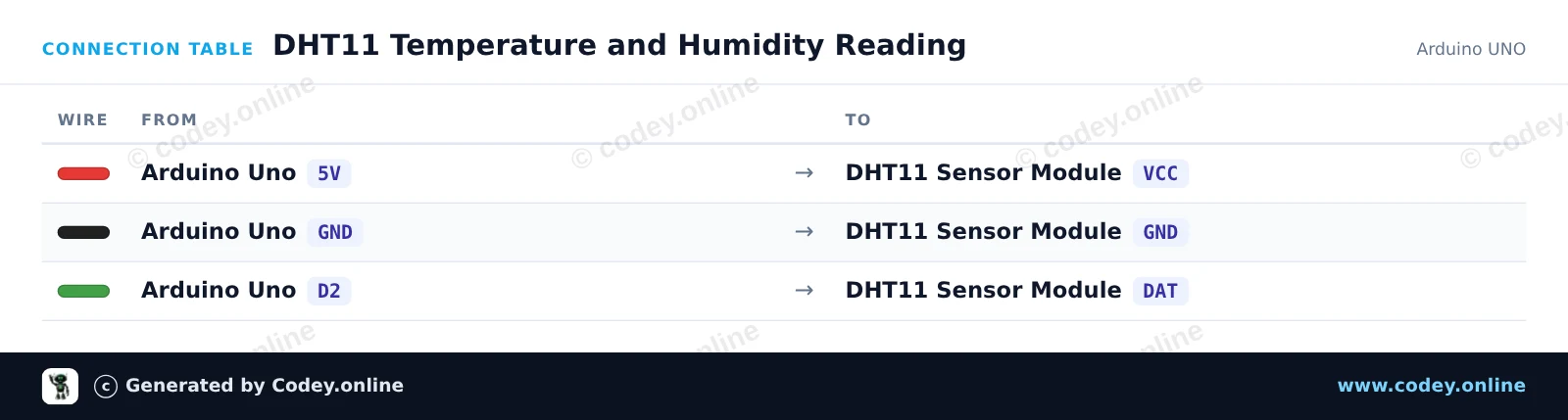
Dette projekt aflæser temperatur- og fugtighedsdata fra DHT11-sensormodulet og viser målingerne i Serial Monitor hvert andet sekund. Tilslut blot modulet direkte til 5V, GND og digital pin 2 på din Arduino Uno.
/*
 * ==================================================================
 *  Generated by Codey.online  —  https://www.codey.online
 * ==================================================================
 *  Project   : DHT11 Temperature and Humidity Reading
 *  Board     : Arduino UNO (arduino:avr:uno)
 *  Parts     : DHT11 Sensor Module
 *  Libraries : DHT sensor library 1.4.7
 *
 *  Codey Online is an AI-powered browser IDE for Arduino and ESP32.
 *  Describe your project and Codey writes the code, draws the wiring
 *  diagram and uploads it to your board, straight from the browser.
 *  This code is free to use, modify and share, without warranty.
 * ==================================================================
 */

#include <DHT.h>

#define DHTPIN 2
#define DHTTYPE DHT11

DHT dht(DHTPIN, DHTTYPE);

void setup() {
  Serial.begin(115200);
  while (!Serial);
  Serial.println(F("DHT11 Sensor Demo"));
  dht.begin();
}

void loop() {
  // DHT11 sample rate is up to 1 reading every 2 seconds
  delay(2000);

  float humidity = dht.readHumidity();
  float temperature = dht.readTemperature();

  if (isnan(humidity) || isnan(temperature)) {
    Serial.println(F("Failed to read from DHT11 sensor!"));
    return;
  }

  Serial.print(F("Humidity: "));
  Serial.print(humidity, 1);
  Serial.print(F("%  |  Temperature: "));
  Serial.print(temperature, 1);
  Serial.println(F("°C"));
}Nødvendige biblioteker: DHT sensor library 1.4.7
Wiring diagram and example code generated by Codey.online — https://www.codey.online
Dette projekt aflæser omgivelsestemperaturen og den relative luftfugtighed ved hjælp af DHT11-sensormodulet, der er tilsluttet en ESP32. Sensorværdierne aflæses hvert 2. sekund og udskrives direkte i Serial Monitor ved 115200 baud. Det er en nem måde at kontrollere, om din DHT11-sensor fungerer korrekt.
/*
 * ==================================================================
 *  Generated by Codey.online  —  https://www.codey.online
 * ==================================================================
 *  Project   : ESP32 DHT11 Temperature & Humidity Sensor
 *  Board     : ESP32 DEVKIT V1 (esp32:esp32:esp32doit-devkit-v1)
 *  Parts     : DHT11 Sensor Module
 *  Libraries : DHT sensor library 1.4.7
 *
 *  Codey Online is an AI-powered browser IDE for Arduino and ESP32.
 *  Describe your project and Codey writes the code, draws the wiring
 *  diagram and uploads it to your board, straight from the browser.
 *  This code is free to use, modify and share, without warranty.
 * ==================================================================
 */

#include "DHT.h"

#define DHTPIN 4
#define DHTTYPE DHT11

DHT dht(DHTPIN, DHTTYPE);

void setup() {
  Serial.begin(115200);
  Serial.println("DHT11 Sensor Demo");

  dht.begin();
}

void loop() {
  delay(2000);

  float humidity = dht.readHumidity();
  float temperature = dht.readTemperature();

  if (isnan(humidity) || isnan(temperature)) {
    Serial.println("Failed to read from DHT sensor!");
    return;
  }

  Serial.print("Humidity: ");
  Serial.print(humidity);
  Serial.print(" %  |  Temperature: ");
  Serial.print(temperature);
  Serial.println(" °C");
}Nødvendige biblioteker: DHT sensor library 1.4.7
Wiring diagram and example code generated by Codey.online — https://www.codey.online






 English
  Nederlands
  Frans
Frans  Deutsch
  Italiano
  Español
  Suomi
Suomi  Polski
  Ελληνικά
  Български
  Čeština
  Hrvatski
  Aileen