SKU: OT3499 Varenummer: AA431 EAN: 8720618489661

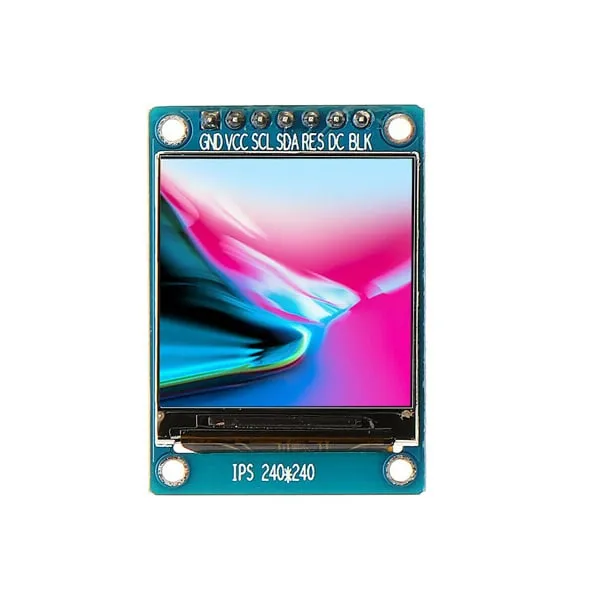
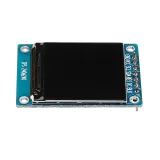
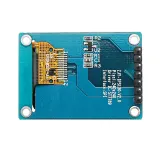
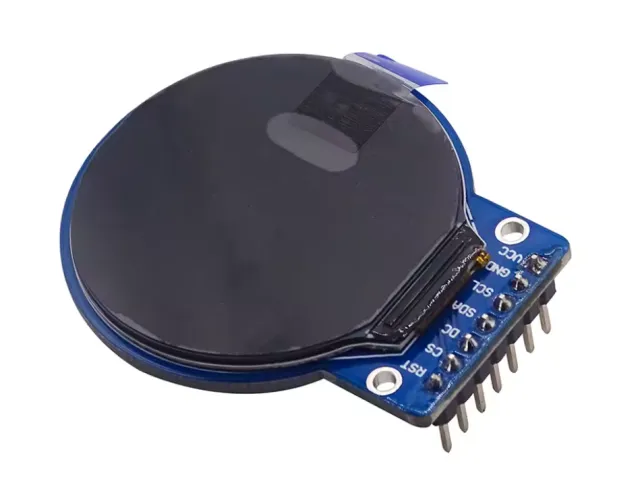
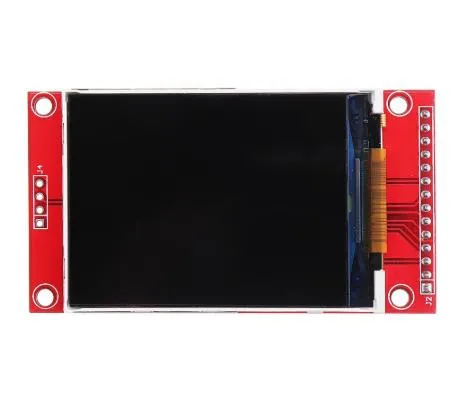
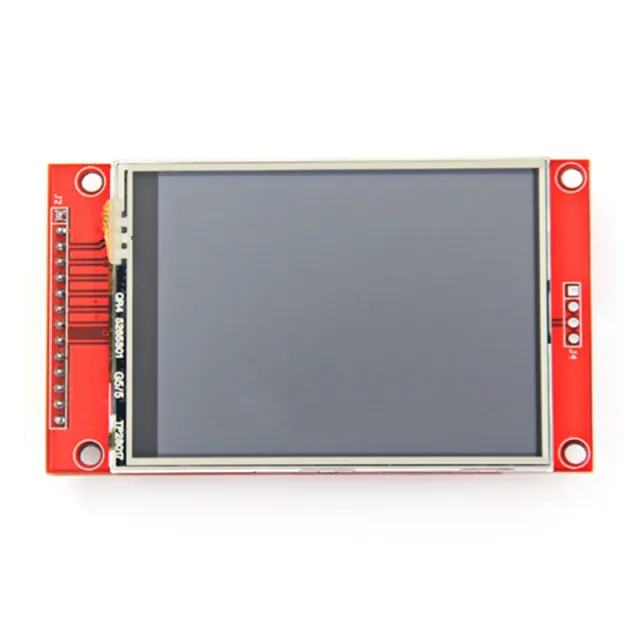
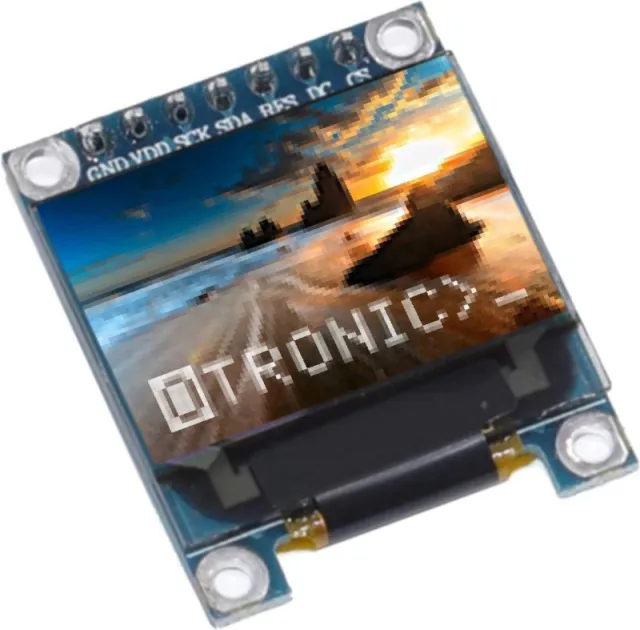
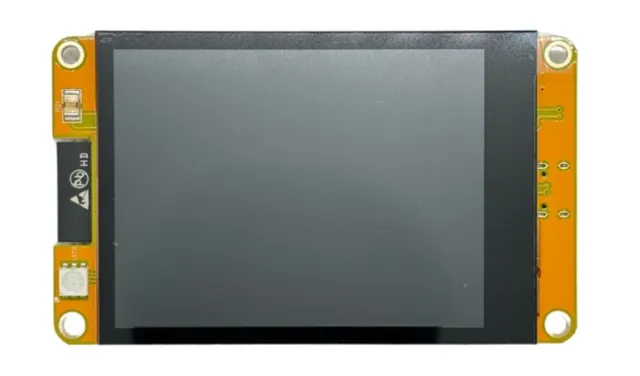
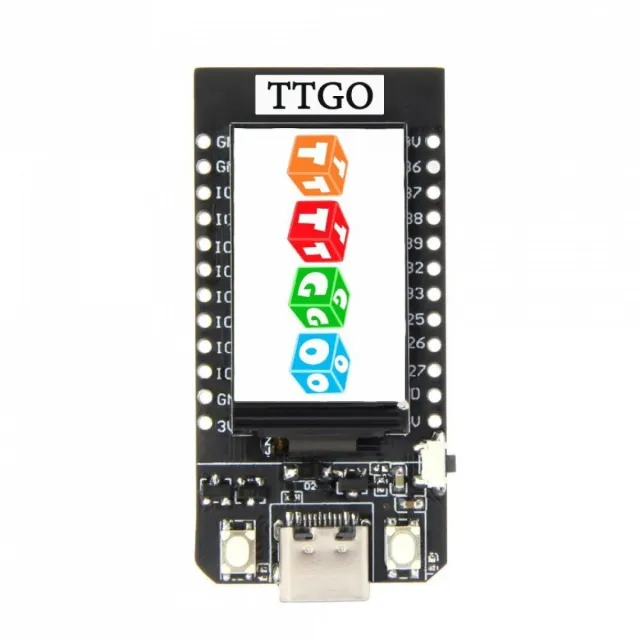
En lille skærm med 1.3" diagonal. Med den høje pixeltæthed på 260 ppi er dette et fantastisk 240x240 pixel display med læsbarhed fra alle vinkler.
Displays i denne kaliber bruges også til smartwatches og små elektroniske enheder.
Har ST7789 display driver, der fungerer med alle microcontrollers og microcomputers.
Dette er den bedste måde at tilføje en lille, farverig og meget lys skærm til et vilkårligt projekt. Den bruger 4-leder SPI til at kommunikere.
Med sin egen pixel-addressable frame buffer kan den endda bruges til meget små microcontrollers med lidt hukommelse eller tilgængelige pins.
Skærmen har 240x240 16-bit full color pixels og er IPS, så farverne ser super ud op til 80 grader fra hver akse i alle retninger. TFT-driveren (ST7789) minder meget om den populære ST7735 og understøttes godt af flere Arduino libraries.
Adafruit har for eksempel skrevet et fuldt open source grafisk bibliotek, der kan tegne pixels, linjer, rektangler, cirkler, tekst og bitmaps i kombination med Adafruit GFX Library. (se denne side for at komme i gang) Derudover findes der også eksempelcode. Denne kode er skrevet til Arduino, men kan nemt tilpasses din foretrukne microcontroller.
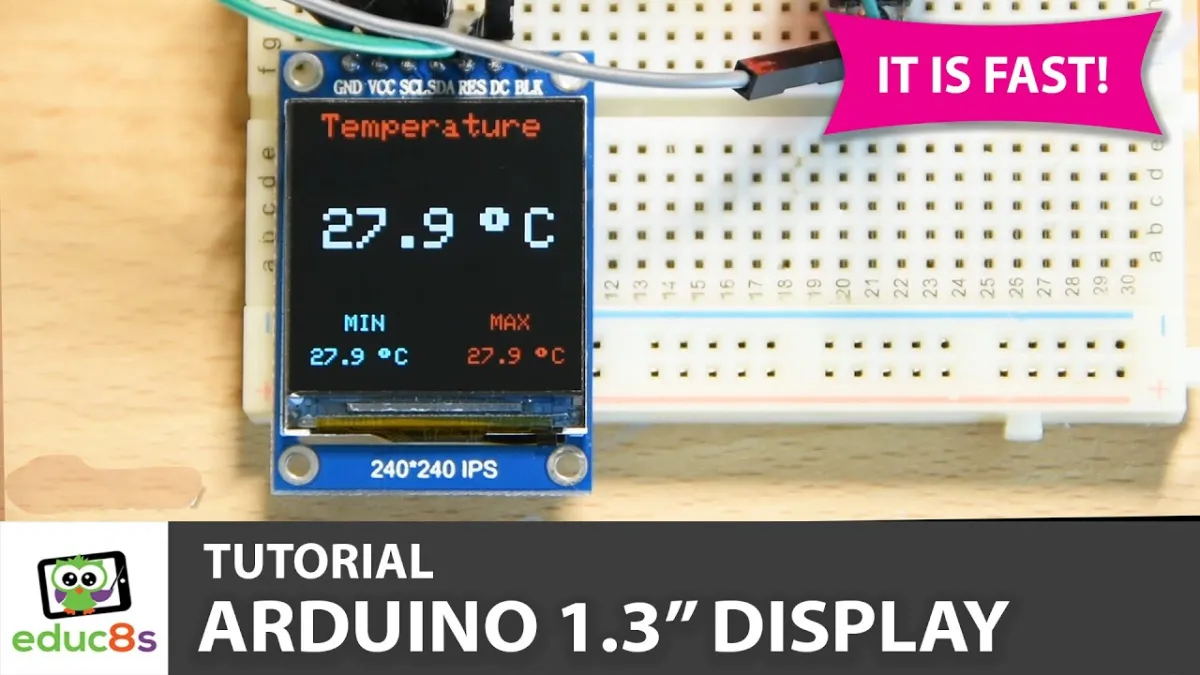
Ved afspilning indlæses videoen fra YouTube.
Sådan tilslutter du 1.3inch SPI TFT LCD Display RGB (ST7789, 3.3V) til en Arduino UNO eller ESP32, med en eksempelsketch, du kan uploade med det samme.
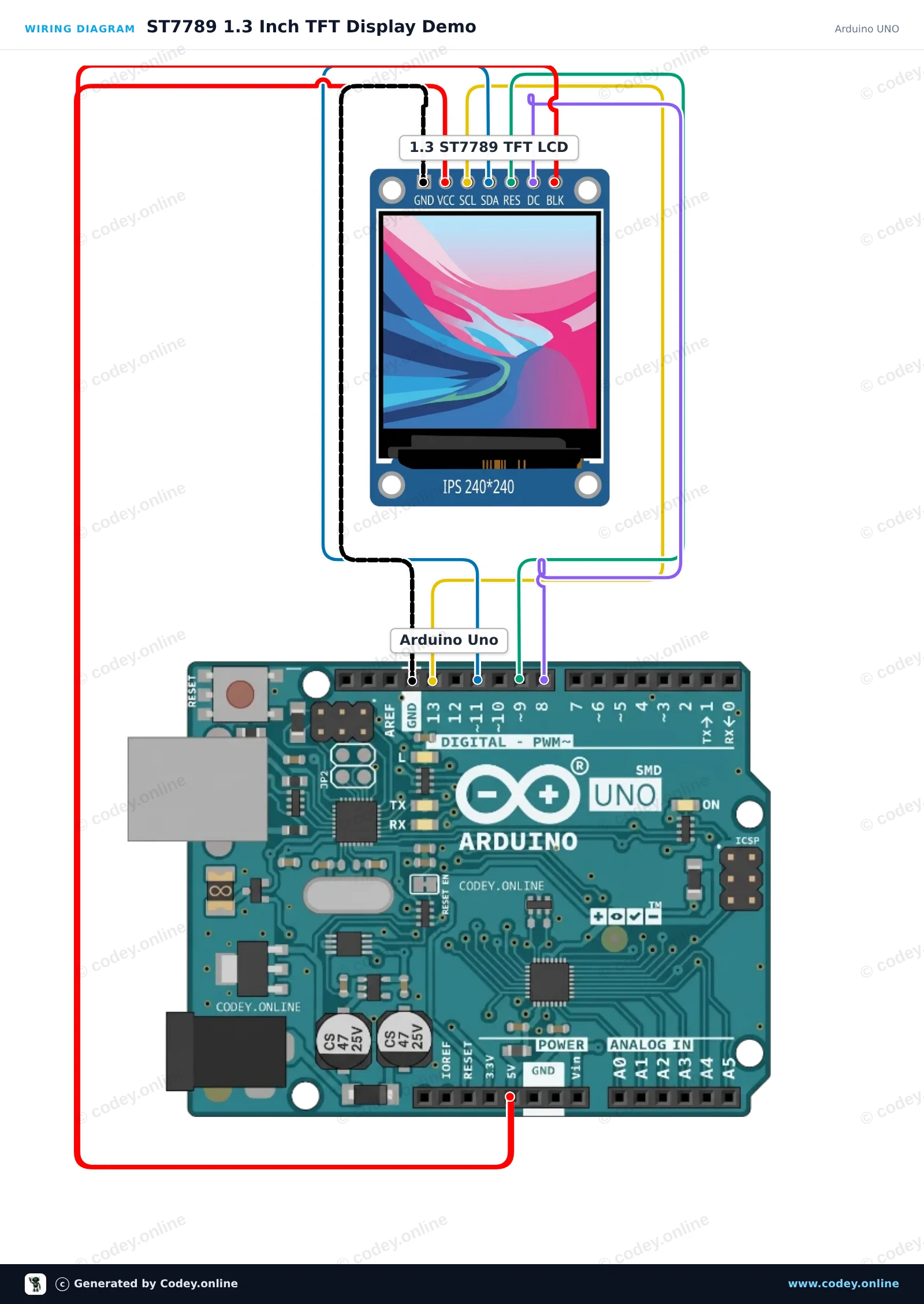
Dette projekt initialiserer et 1.3-inch 240x240 ST7789 SPI TFT-display med en Arduino Uno. Sketchet tegner velkomsttekst, former og farverig grafik for at demonstrere displayets muligheder. Tilslut displayet direkte til Arduino SPI-benene som vist.
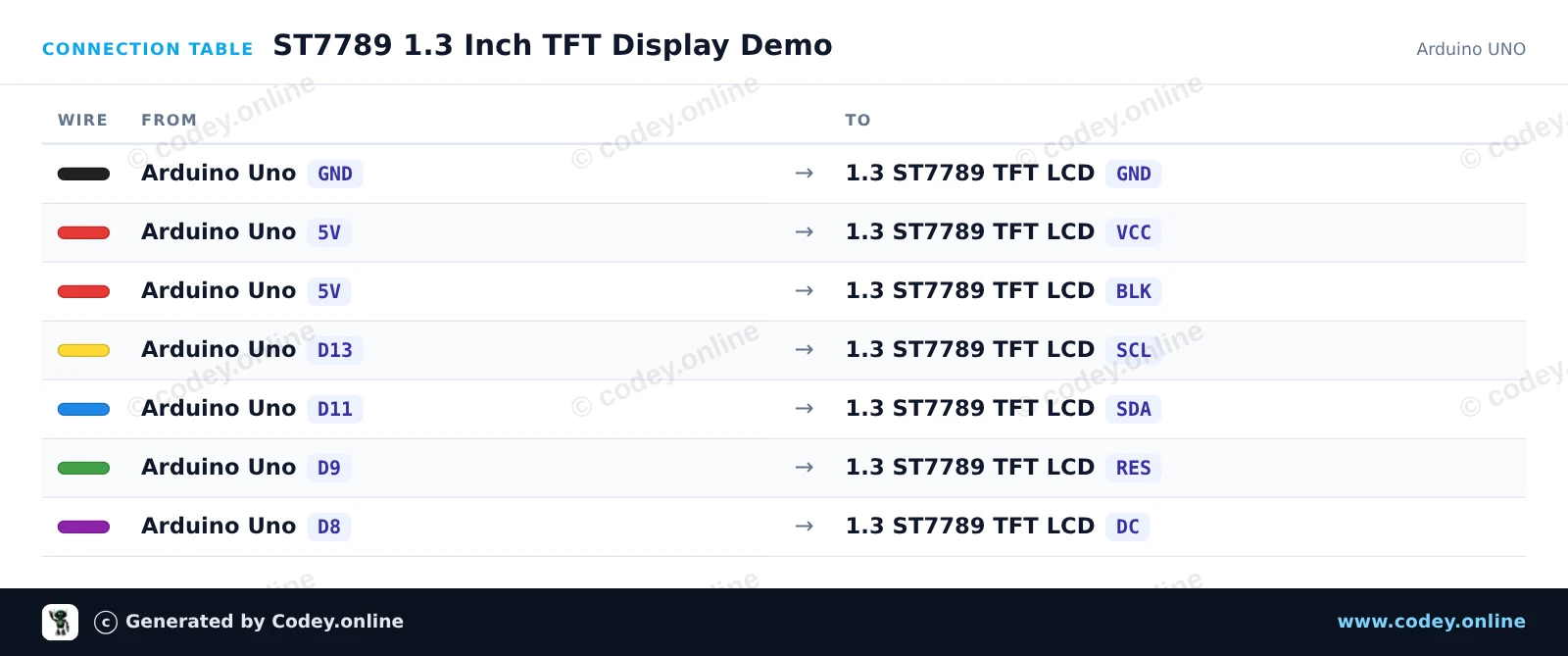
/*
 * ==================================================================
 *  Generated by Codey.online  —  https://www.codey.online
 * ==================================================================
 *  Project   : ST7789 1.3 Inch TFT Display Demo
 *  Board     : Arduino UNO (arduino:avr:uno)
 *  Parts     : LCD Display TFT 1.3inch ST7789
 *  Libraries : Adafruit ST7735 and ST7789 Library 1.11.0
 *
 *  Codey Online is an AI-powered browser IDE for Arduino and ESP32.
 *  Describe your project and Codey writes the code, draws the wiring
 *  diagram and uploads it to your board, straight from the browser.
 *  This code is free to use, modify and share, without warranty.
 * ==================================================================
 */

#include <Adafruit_ST7789.h>
#include <SPI.h>

#define TFT_CS   -1
#define TFT_DC    8
#define TFT_RST   9

Adafruit_ST7789 tft = Adafruit_ST7789(TFT_CS, TFT_DC, TFT_RST);

void setup() {
  Serial.begin(115200);
  Serial.println(F("ST7789 TFT Display Demo"));

  // Initialize 240x240 pixel ST7789 display
  tft.init(240, 240);
  tft.setRotation(0);
  tft.fillScreen(ST77XX_BLACK);

  // Draw greeting text
  tft.setTextWrap(false);
  tft.setTextSize(2);
  tft.setTextColor(ST77XX_WHITE);
  tft.setCursor(20, 20);
  tft.println(F("Hello!"));

  tft.setTextColor(ST77XX_CYAN);
  tft.setCursor(20, 50);
  tft.println(F("ST7789 1.3 TFT"));

  // Draw sample graphics
  tft.drawRect(10, 85, 220, 130, ST77XX_YELLOW);
  tft.fillCircle(60, 145, 25, ST77XX_RED);
  tft.fillTriangle(120, 185, 160, 115, 200, 185, ST77XX_GREEN);

  Serial.println(F("Display ready."));
}

void loop() {
  // Static demo
}Nødvendige biblioteker: Adafruit ST7735 and ST7789 Library 1.11.0
Wiring diagram and example code generated by Codey.online — https://www.codey.online
Dette projekt initialiserer et 1.3-inch 240x240 SPI TFT-display ved hjælp af ST7789-driveren. Det tegner former, viser tekst og opdaterer en live-tæller på skærmen hvert sekund.
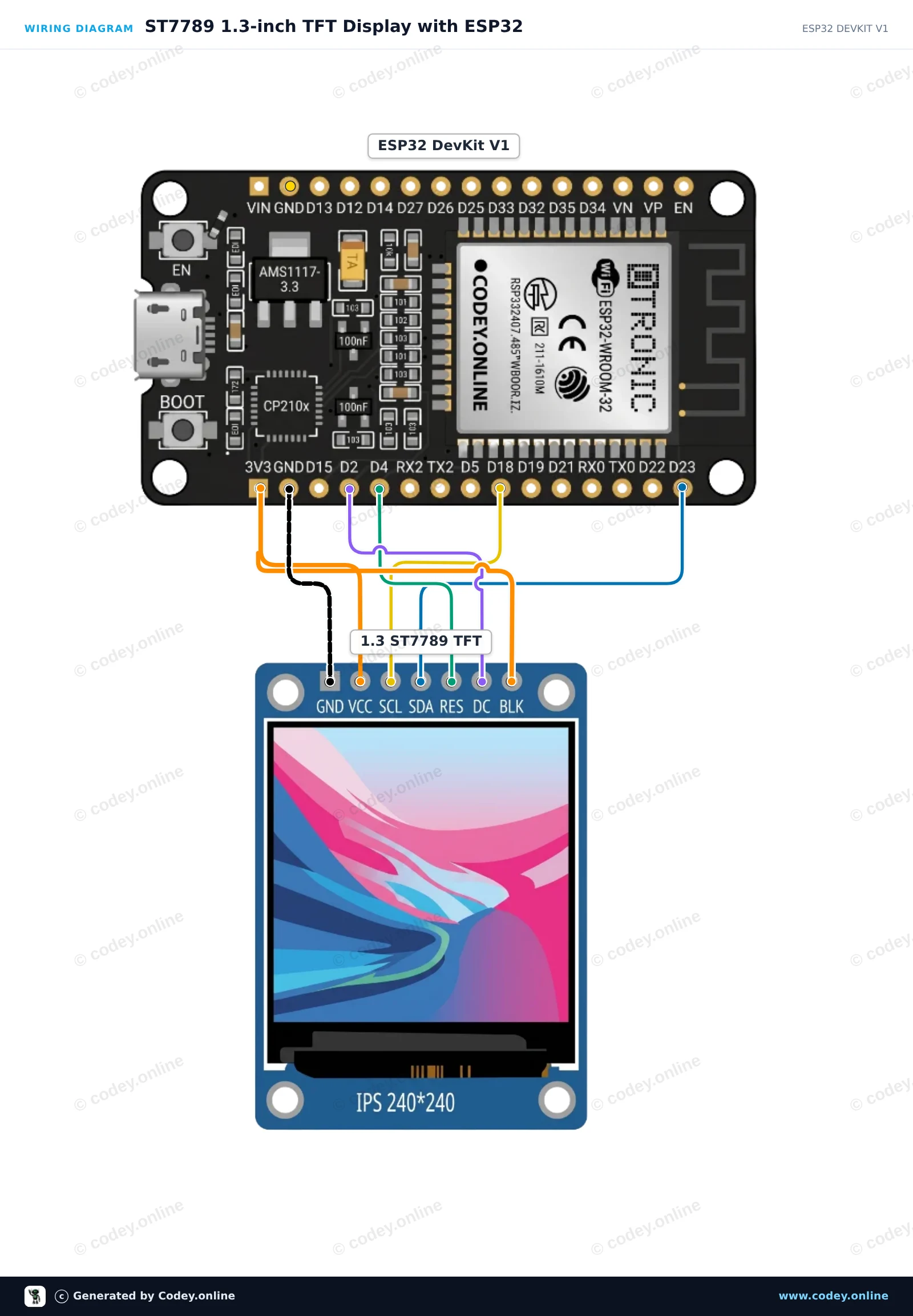
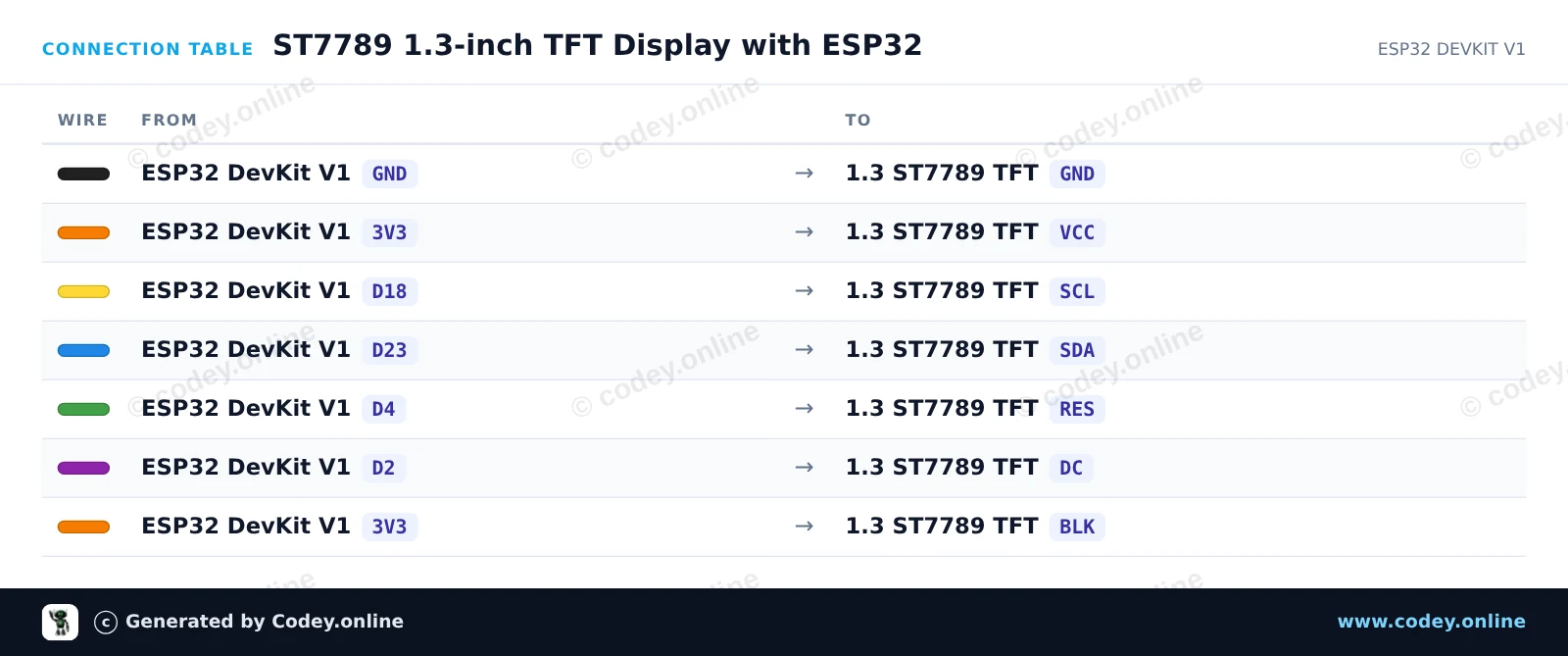
/*
 * ==================================================================
 *  Generated by Codey.online  —  https://www.codey.online
 * ==================================================================
 *  Project   : ST7789 1.3-inch TFT Display with ESP32
 *  Board     : ESP32 DEVKIT V1 (esp32:esp32:esp32doit-devkit-v1)
 *  Parts     : LCD Display TFT 1.3inch ST7789
 *  Libraries : Adafruit GFX Library 1.12.6, Adafruit ST7735 and ST7789 Library 1.11.0
 *
 *  Codey Online is an AI-powered browser IDE for Arduino and ESP32.
 *  Describe your project and Codey writes the code, draws the wiring
 *  diagram and uploads it to your board, straight from the browser.
 *  This code is free to use, modify and share, without warranty.
 * ==================================================================
 */

#include <Adafruit_GFX.h>
#include <Adafruit_ST7789.h>
#include <SPI.h>

#define TFT_DC    2
#define TFT_RST   4
#define TFT_CS   -1

Adafruit_ST7789 tft = Adafruit_ST7789(TFT_CS, TFT_DC, TFT_RST);

int counter = 0;

void setup() {
  Serial.begin(115200);

  // Initialize 240x240 ST7789 display
  tft.init(240, 240);
  tft.setRotation(2);
  tft.fillScreen(ST77XX_BLACK);

  // Draw frame and header
  tft.drawRect(10, 10, 220, 220, ST77XX_BLUE);
  tft.setTextColor(ST77XX_WHITE);
  tft.setTextSize(2);
  tft.setCursor(35, 30);
  tft.println("ESP32 ST7789");

  tft.fillCircle(120, 160, 35, ST77XX_RED);
}

void loop() {
  // Update counter area
  tft.fillRect(40, 80, 160, 30, ST77XX_BLACK);
  tft.setTextColor(ST77XX_GREEN);
  tft.setTextSize(2);
  tft.setCursor(45, 85);
  tft.printf("Count: %d", counter++);

  delay(1000);
}Nødvendige biblioteker: Adafruit GFX Library 1.12.6, Adafruit ST7735 and ST7789 Library 1.11.0
Wiring diagram and example code generated by Codey.online — https://www.codey.online





 English
  Nederlands
  Frans
Frans  Deutsch
  Italiano
  Español
  Suomi
Suomi  Polski
  Ελληνικά
  Български
  Čeština
  Hrvatski
  Svenska
  Aileen